How to play Buck Me, Jason's mission 13 in GTA 6's Chapter 1: the Fleeca bank, the BuckMe app and the Family Savings account, step by step from our PS5 play.
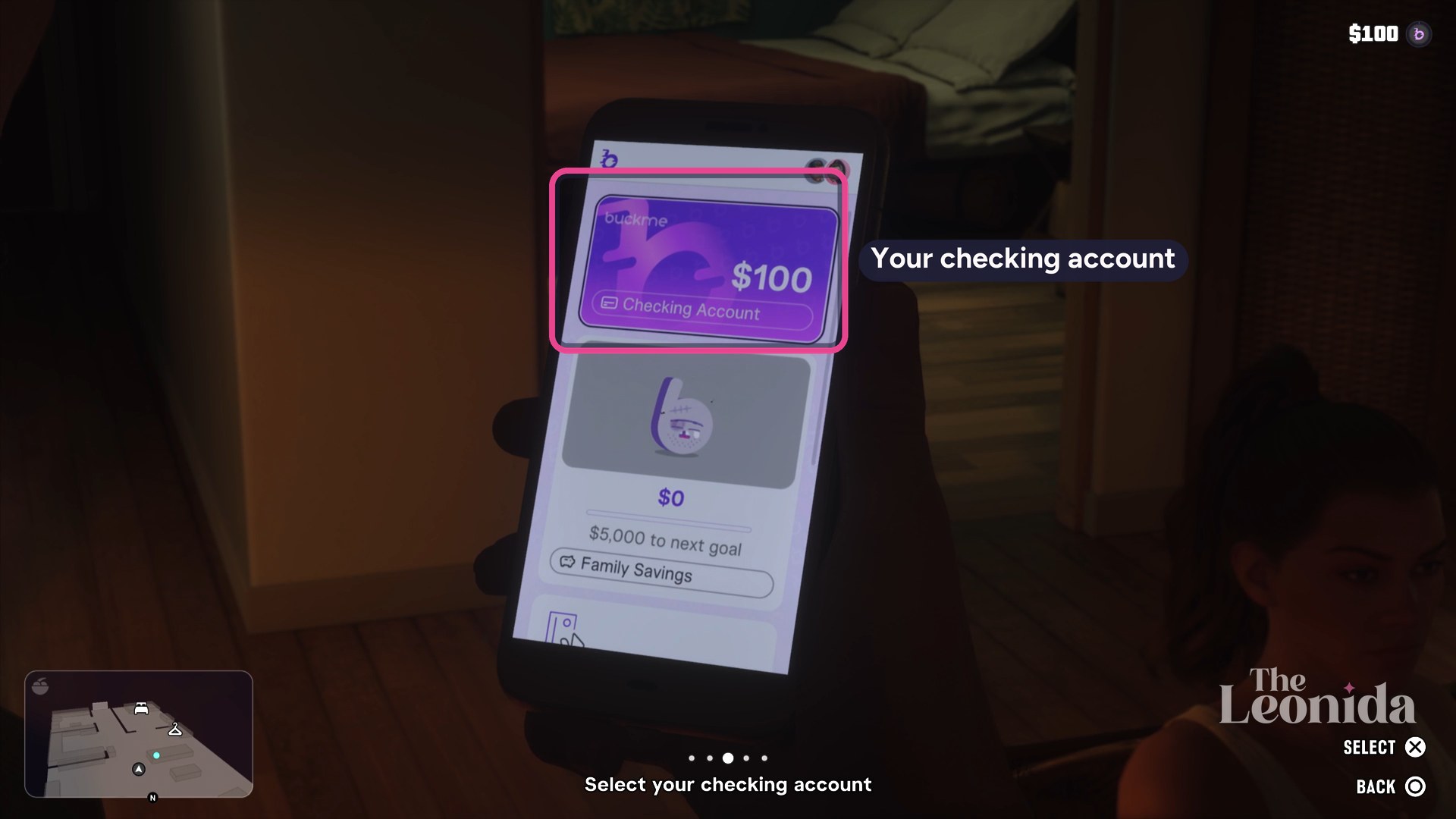
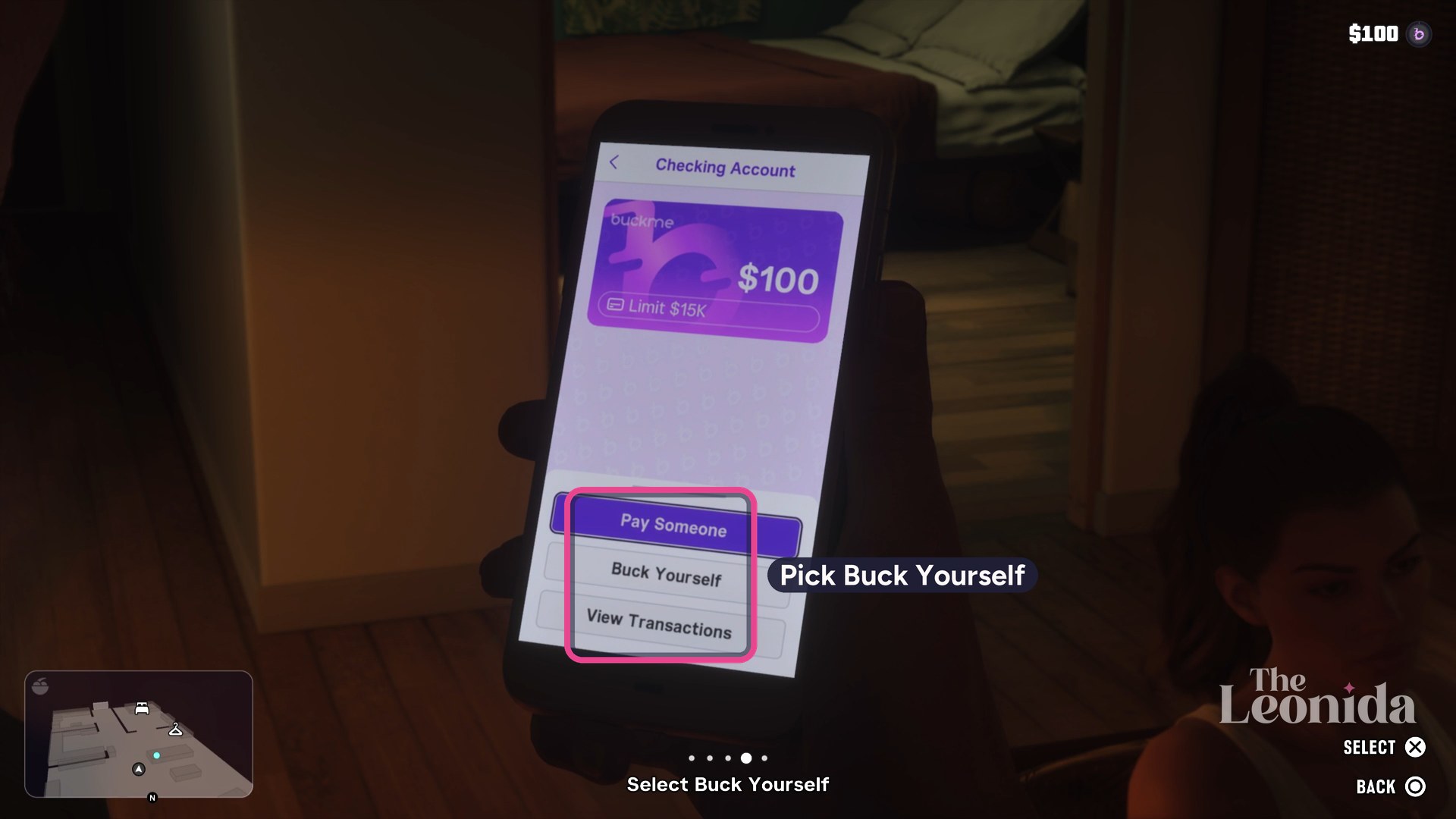
A BuckMe account, the game's bank: checking with a $15K limit and a Family Savings account
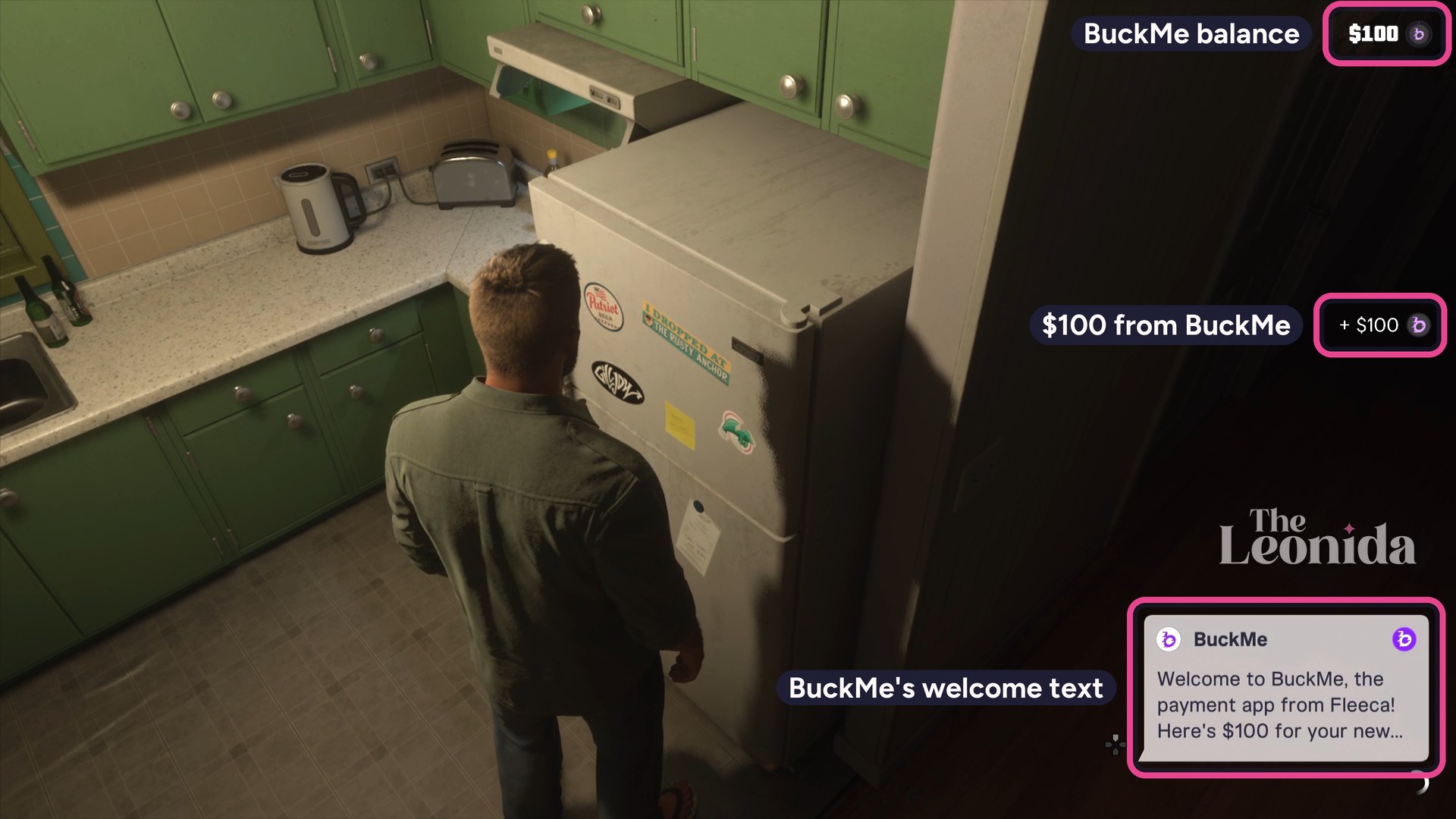
$100 from BuckMe, which the mission has you move into Family Savings
This page describes story events.
It stays blurred until you choose to read it.
Buck Me is mission 13 of GTA 6's story, in Chapter 1, played as Jason: he and Lucia try to open accounts at the Fleeca bank in Key Lento, get turned down, and settle for BuckMe, Fleeca's payment app, which works as the game's bank account. There's no fighting. It took us under six minutes on PS5, and it ends with your first transfer.
We played it after Clean Up After Donnie, as PowerPyx's walkthrough does; PC Gamer's list has the two the other way round. The walkthrough below follows our own play, with the game's objectives in bold as it shows them.
How to start it
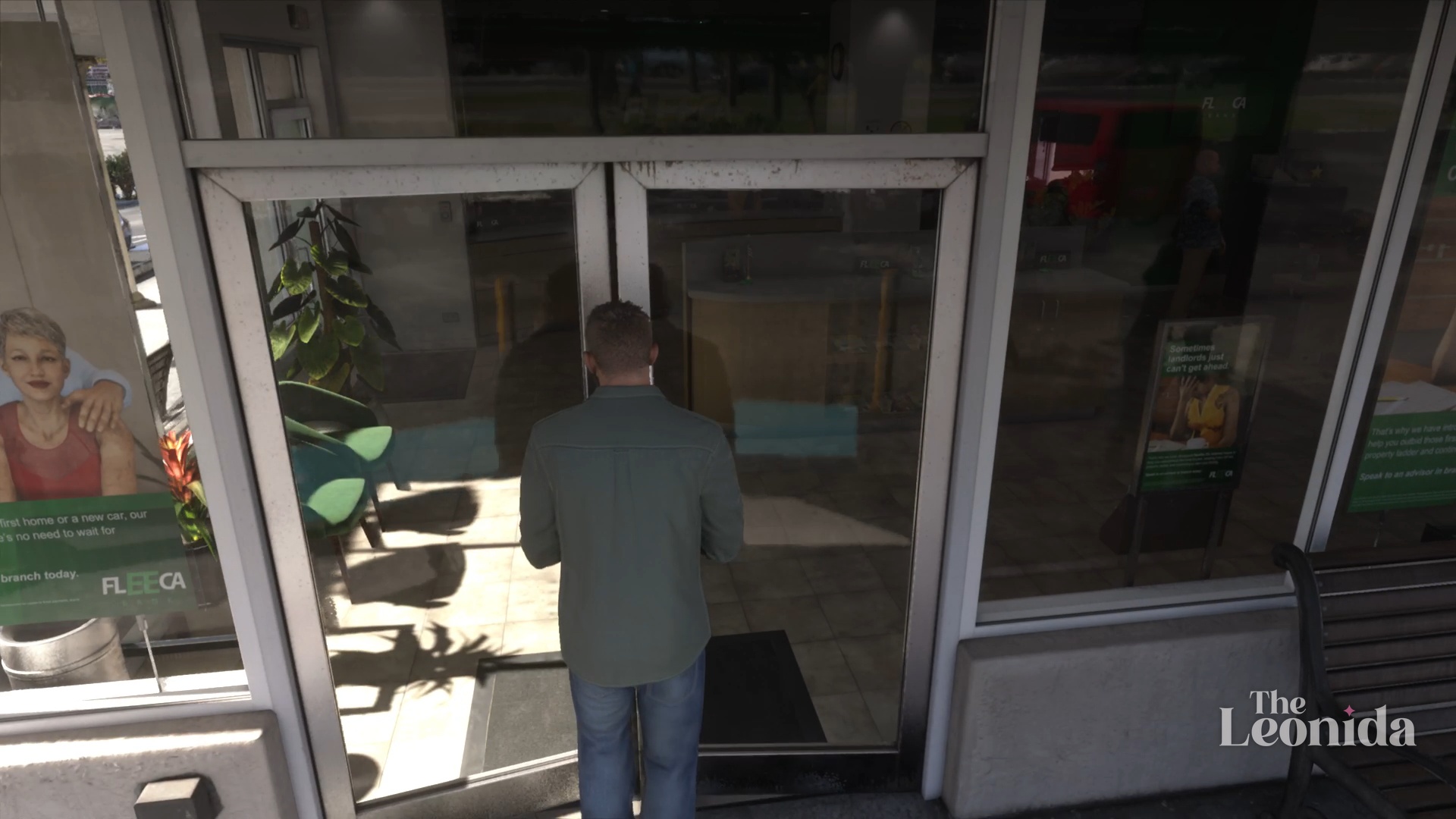
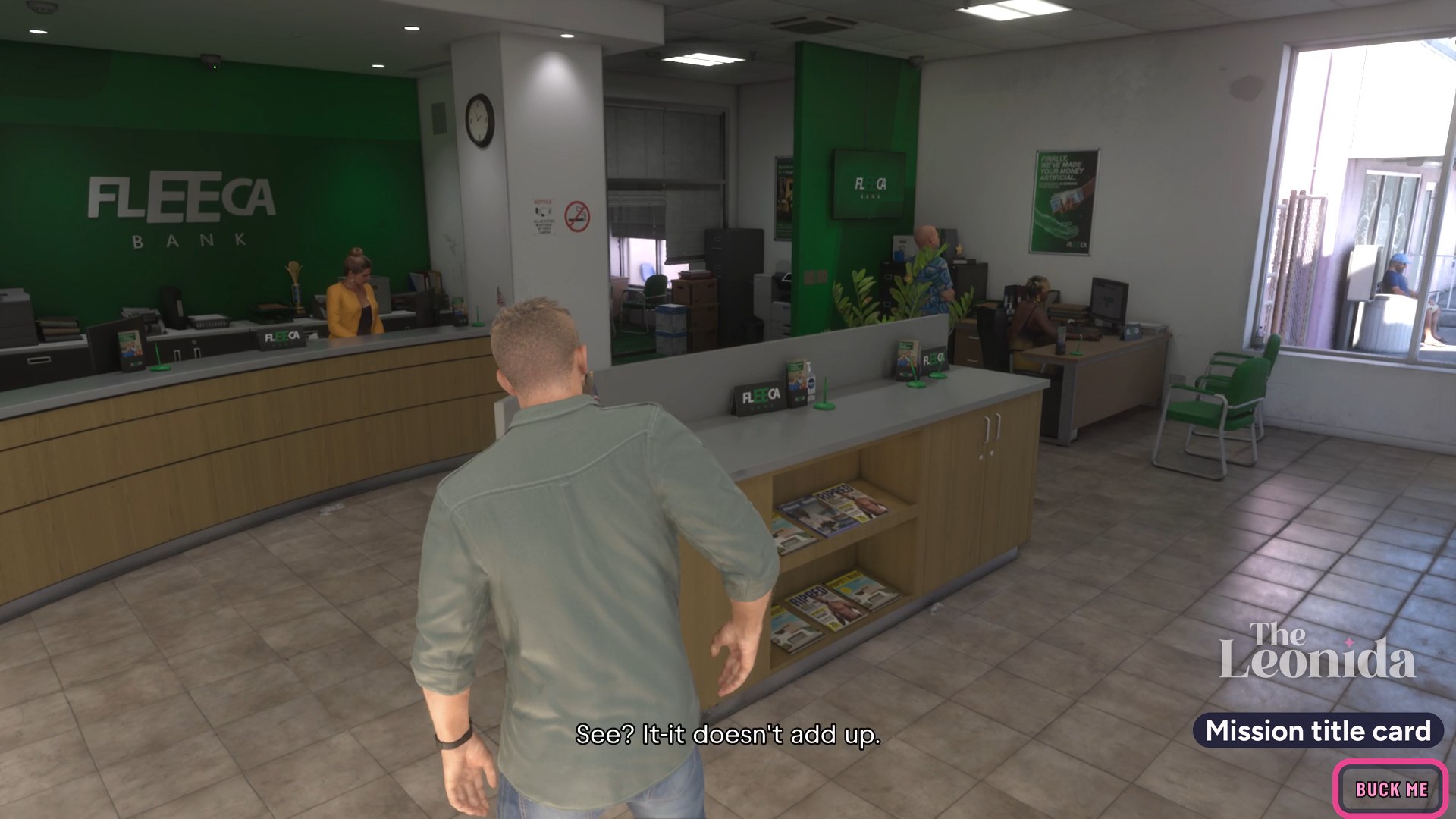
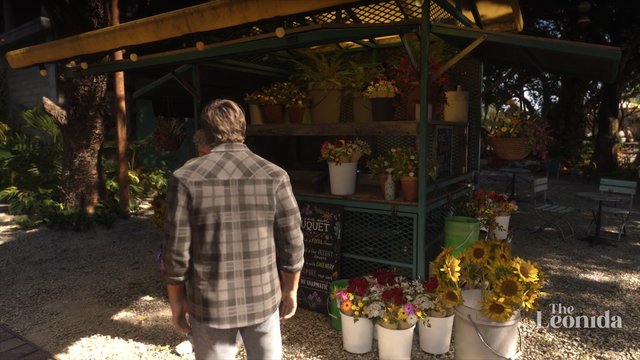
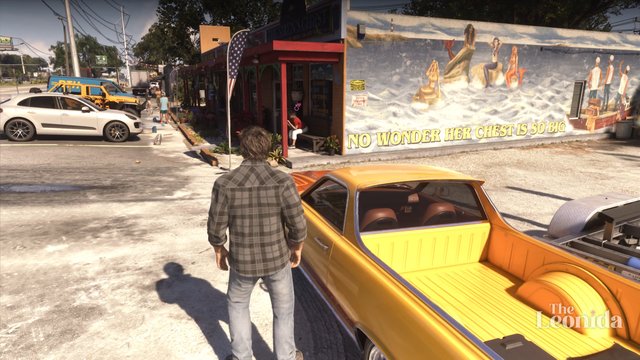
PowerPyx's walkthrough says Lucia calls about half a day after Coming Home to meet at the bank, since neither of them has an account. The mission starts at the door of the Fleeca branch in Key Lento: the title card shows as Jason texts Lucia that he's at the bank, and she replies that she's on her way.
The Leonida, in-game (Grand Theft Auto VI, Rockstar Games)
Walkthrough
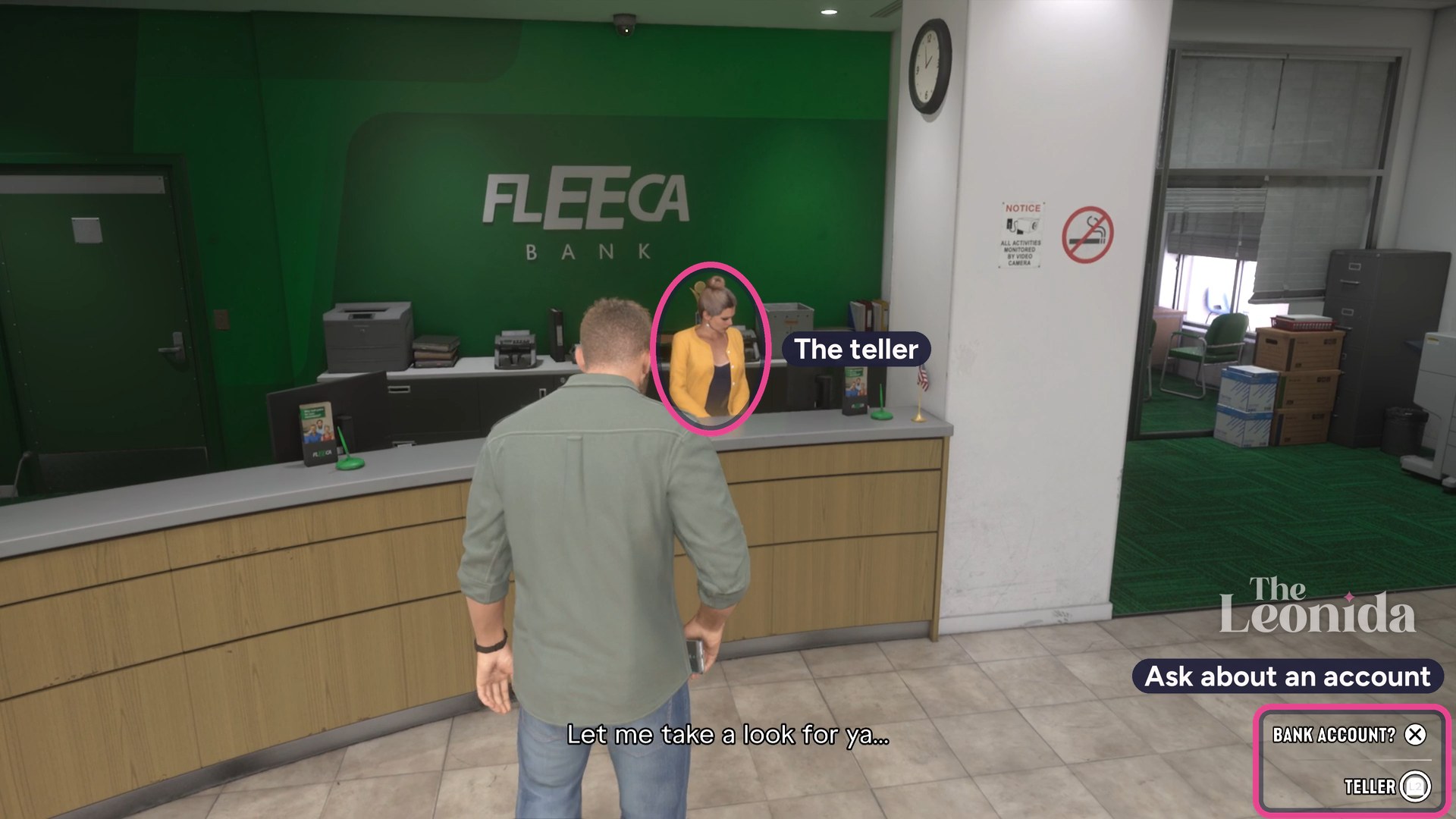
1. Ask the teller
Inside, look at the teller with L2 and press X at Bank Account?. She says you'll have to speak to the manager.
The Leonida, in-game (Grand Theft Auto VI, Rockstar Games)
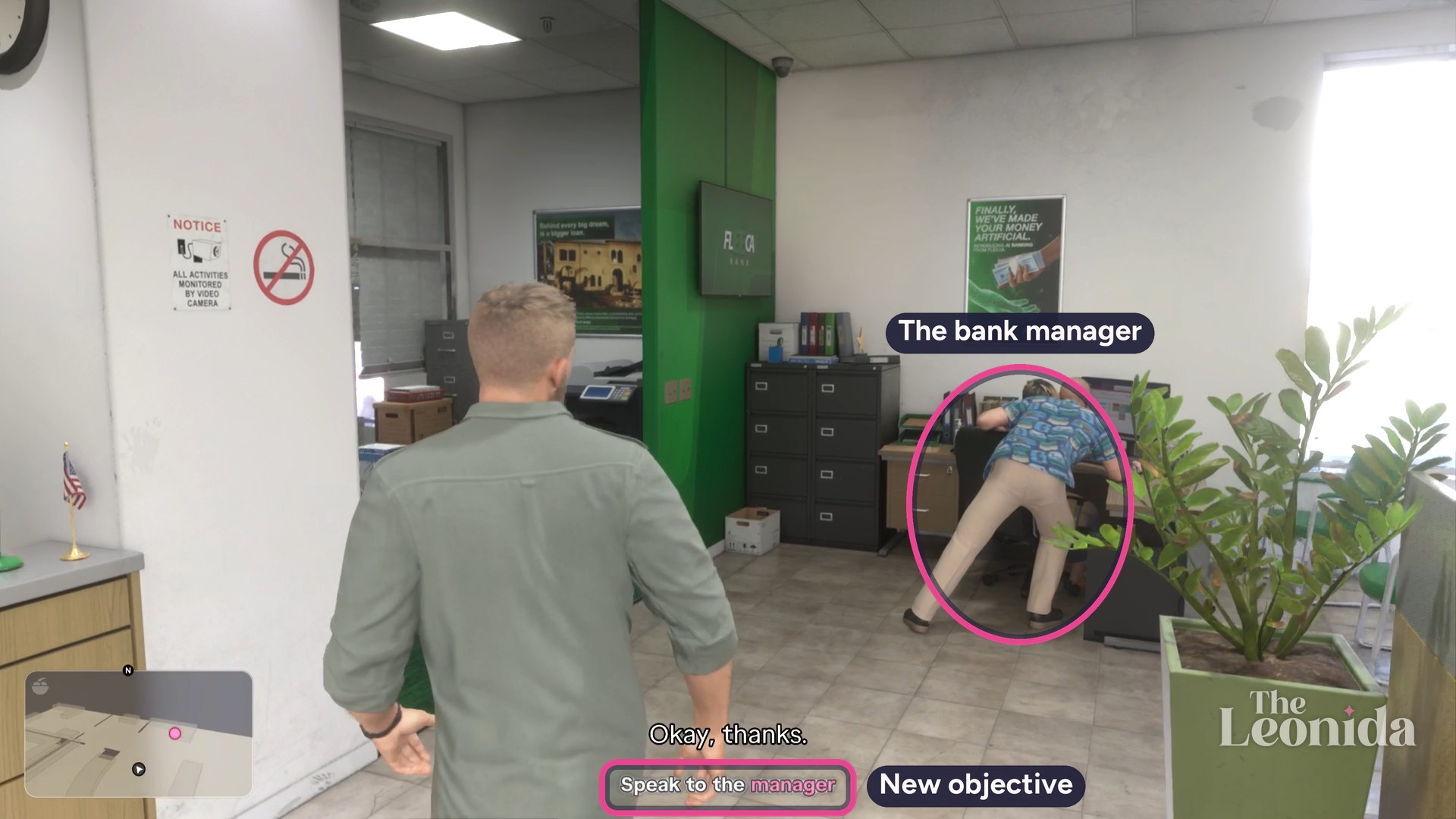
2. Speak to the manager
Speak to the manager: he's in the back office, marked with a pink dot on the minimap. Press X at Bank Account? again, then Follow the manager into his office and press Triangle to Sit.
The Leonida, in-game (Grand Theft Auto VI, Rockstar Games)
3. The meeting
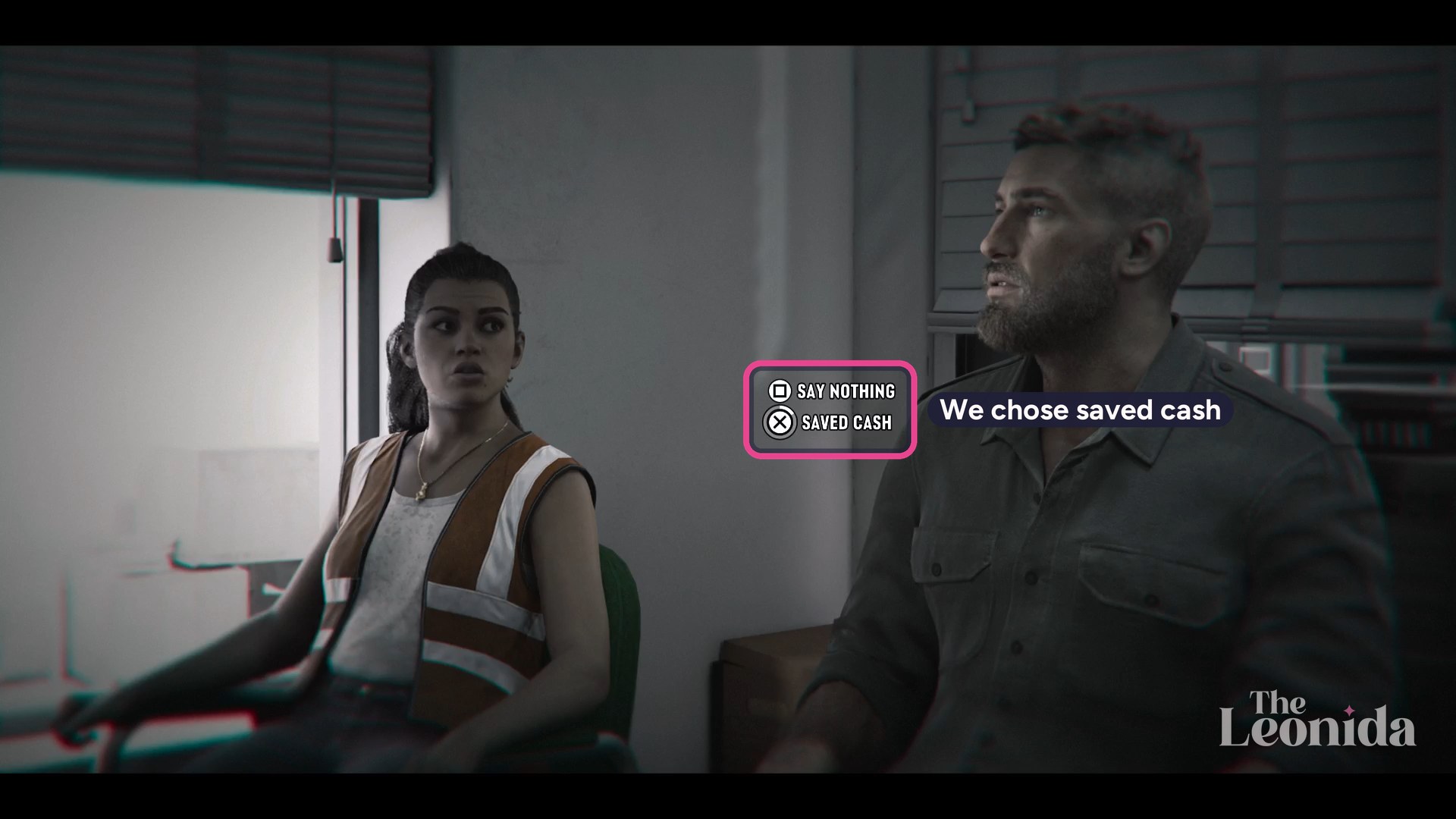
A cutscene follows. Lucia arrives: they want accounts, and a line of credit too. When the manager asks if they have any kind of deposit to put down, the choice is Say Nothing (Square) or Saved Cash (X). We chose Saved Cash, and Jason says he's got some cash saved up he could bring in.
The Leonida, in-game (Grand Theft Auto VI, Rockstar Games)
It doesn't save them. Jason can't get a veteran's loan after leaving the Army on bad terms, and the manager tells them their credit is too poor for an account. The best he can do is BuckMe, an app on their phones, with transaction limits; build their credit up, he says, and he'll get them a real account. Lucia isn't impressed. That night at home, they look at photos together.
4. Open BuckMe
Back in control at the house, BuckMe texts its welcome, "Here's $100 for your new" account, and a purple BuckMe balance of $100 appears at top right, above your cash.
The Leonida, in-game (Grand Theft Auto VI, Rockstar Games)
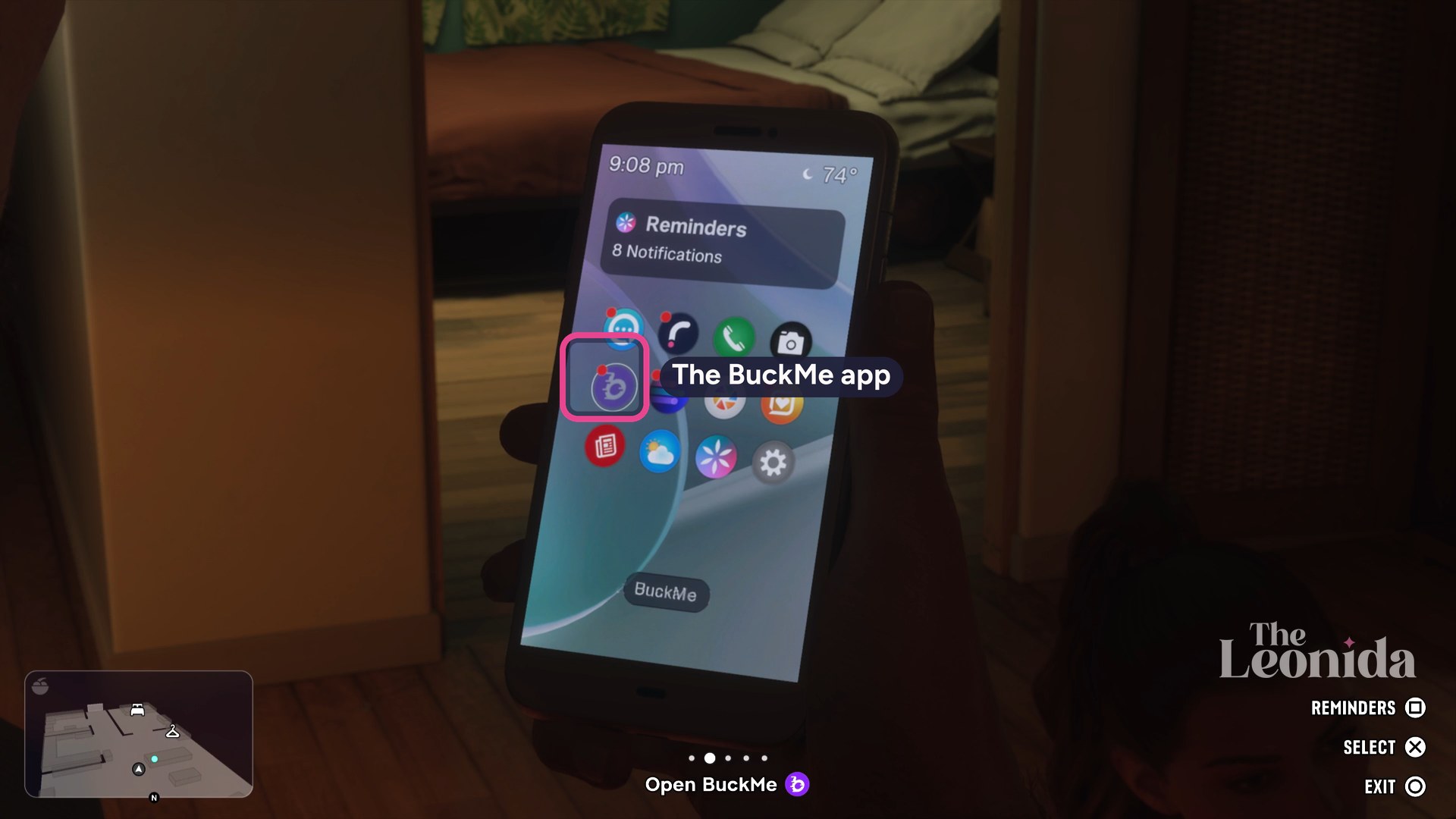
Press up on the d-pad to use your phone, as the objective says, then Open BuckMe: the purple app.
The Leonida, in-game (Grand Theft Auto VI, Rockstar Games)
5. Move the money into Family Savings
A cartoon introduction plays (we watched it; Circle backs out). Then Select your checking account: the purple card holding the $100.
The Leonida, in-game (Grand Theft Auto VI, Rockstar Games)
Select Buck Yourself: the button that moves money between your own accounts. The others are Pay Someone and View Transactions, and the checking account shows its limit, $15K in our play.
The Leonida, in-game (Grand Theft Auto VI, Rockstar Games)
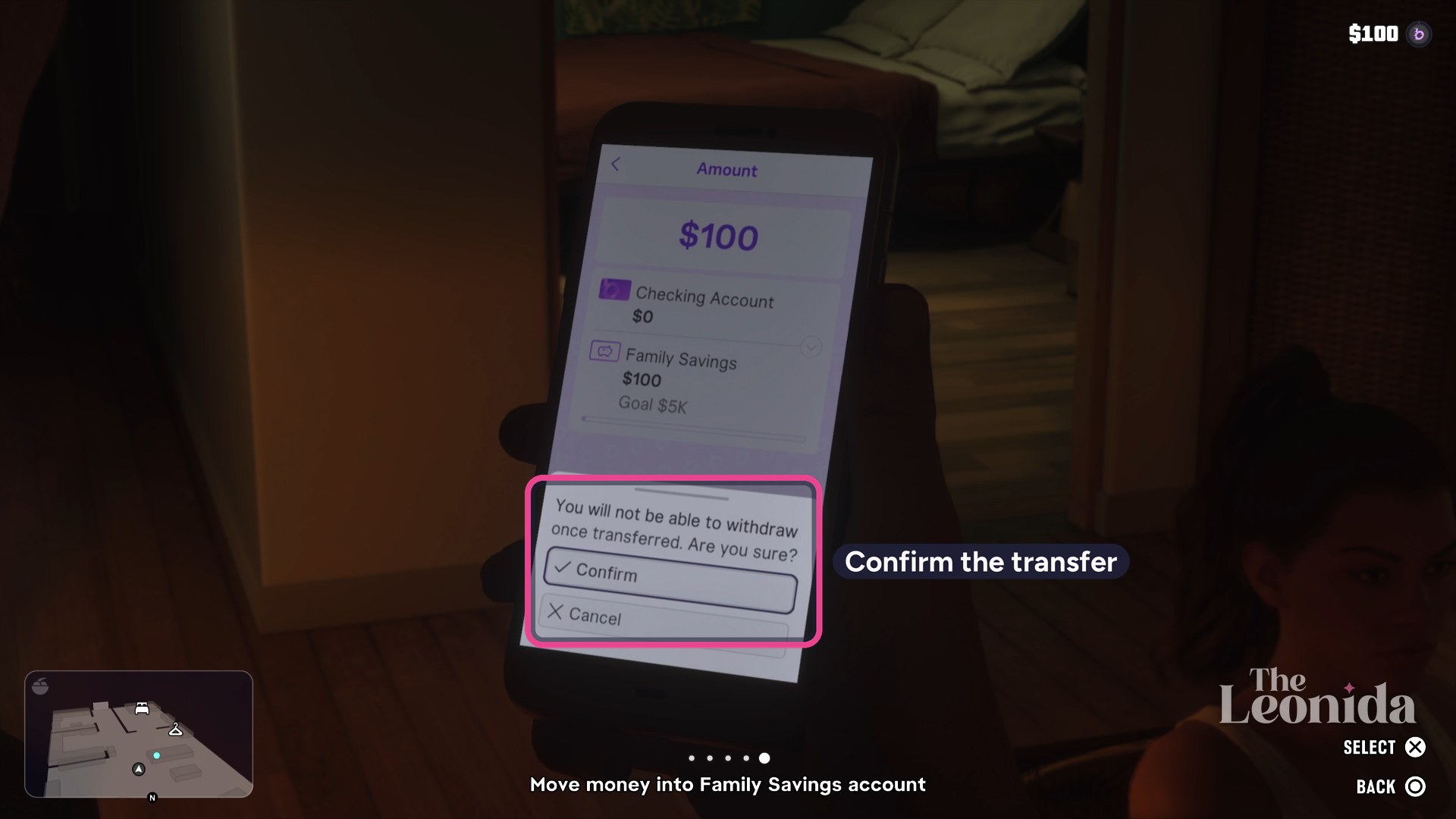
Move money into Family Savings account: the whole $100 goes toward the Family Savings goal of $5K. Press Buck Yourself, then confirm: the app warns you won't be able to withdraw once it's transferred.
The Leonida, in-game (Grand Theft Auto VI, Rockstar Games)
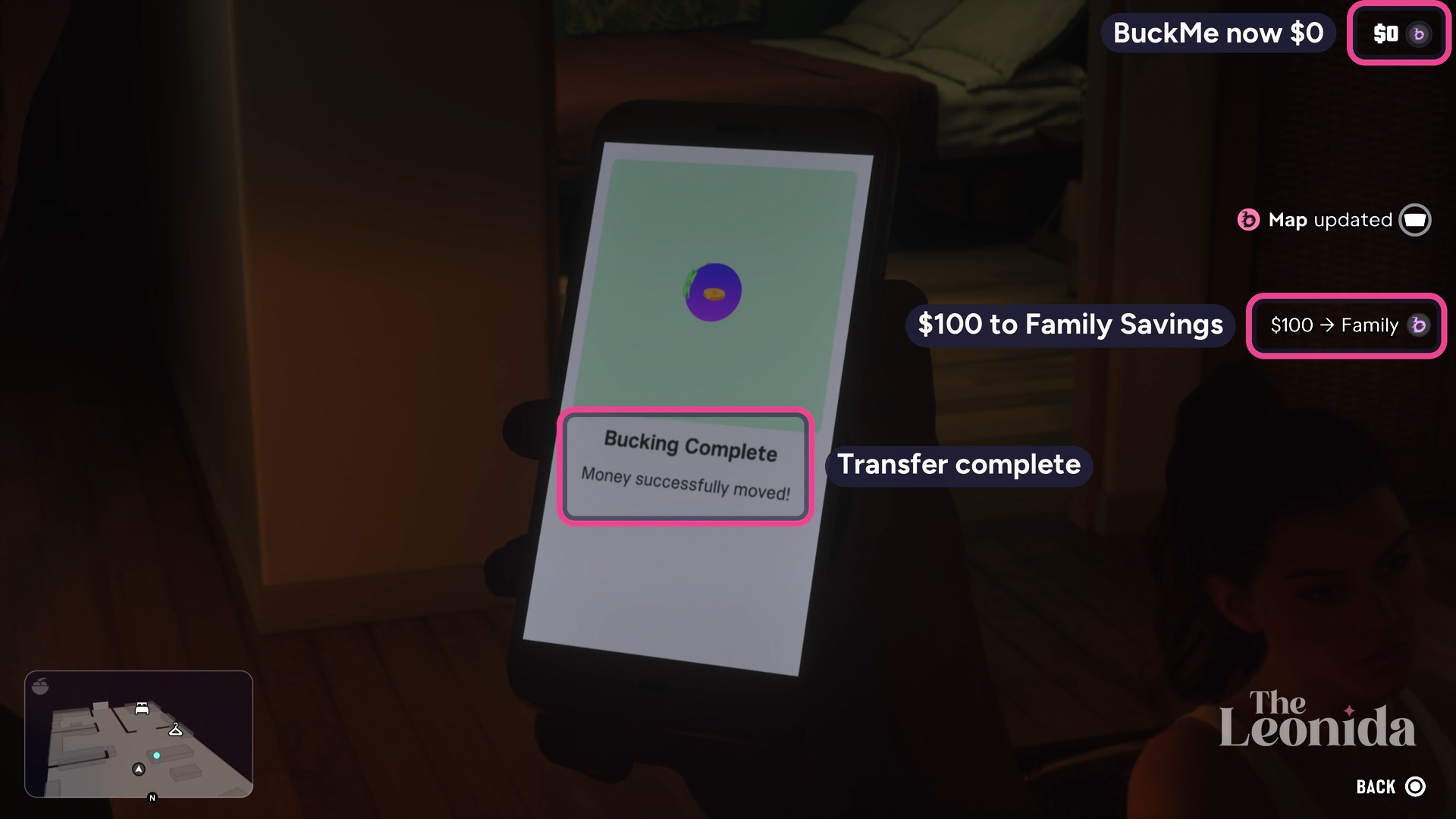
Bucking complete: the money's moved.
The Leonida, in-game (Grand Theft Auto VI, Rockstar Games)
6. That's a start
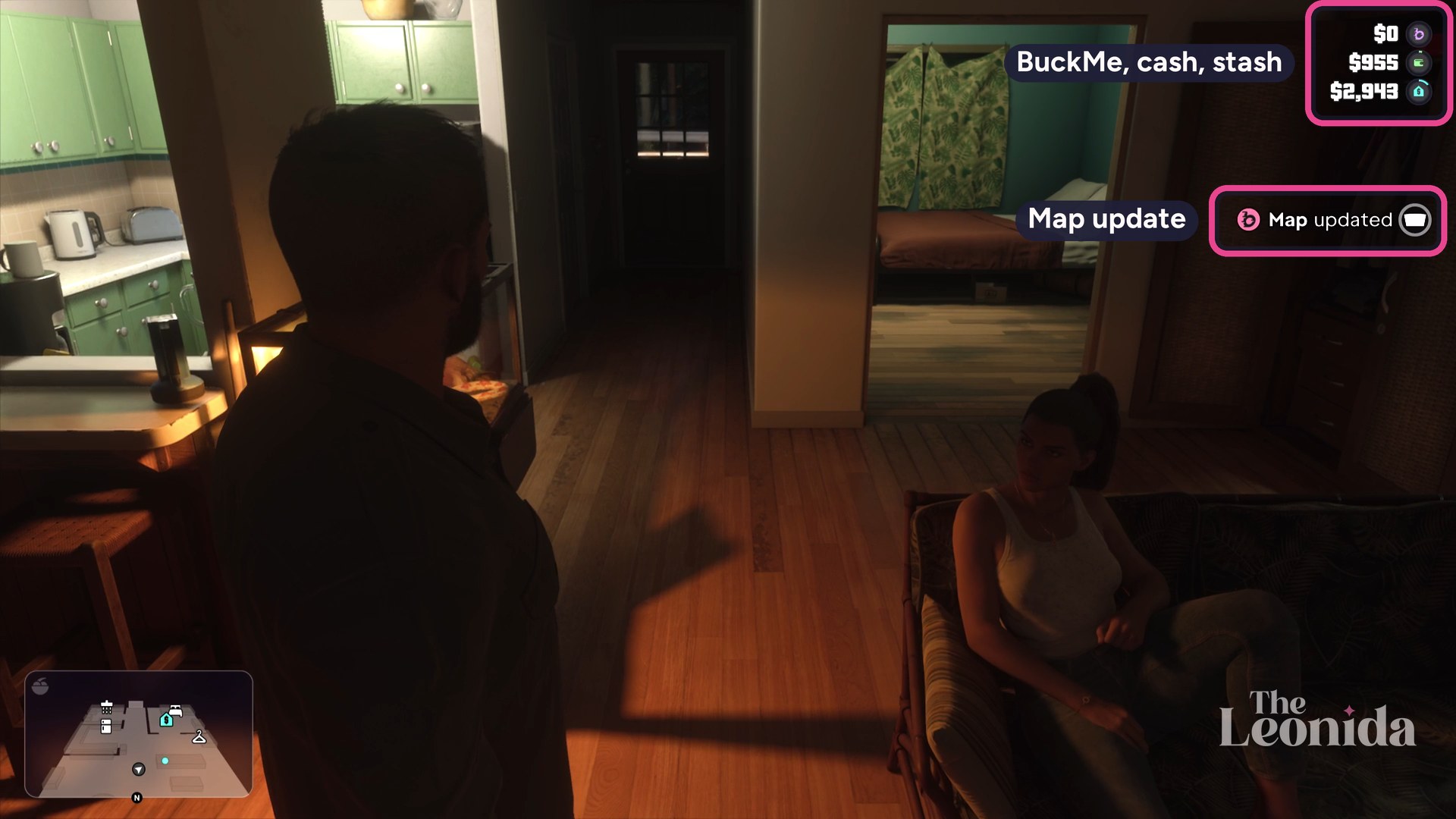
Put the phone away. The map updates twice with BuckMe's icon, and Lucia calls it a start. No mission-passed screen showed in our recording; that's the mission done.
The Leonida, in-game (Grand Theft Auto VI, Rockstar Games)
After the mission
You have a BuckMe account: a checking account and a Family Savings account, with your balance shown in purple above your cash. The mission pays nothing beyond the $100 BuckMe gave you, which now sits in savings ($4,900 to the next goal). Stores show a purple BuckMe mark beside the green cash one on their prices: some items, like some of the guns at the gun store, need a bank account to buy at all.
PowerPyx's walkthrough lists a follow-up, Deposit Cash Into BuckMe: pay cash into your account at any ATM, which the app's ATM finder will mark. It adds that money moved into Family Savings can never be withdrawn, that each savings goal unlocks discounts on purchases and raises the checking account's limit, and that payments are held once checking hits its limit until you spend or save the money.
Next in the story is Down to Earth, which joins our walkthrough as we play it.
Tips
Only save what you won't need. Money in Family Savings is locked for good.
Savings are safe. PowerPyx's walkthrough says money in Family Savings can never be lost, as well as never withdrawn.
Watch the limit. Once checking reaches its limit, incoming payments wait until you spend or save.
Lucia calls about half a day after Coming Home, PowerPyx's walkthrough says, to meet at the Fleeca bank in Key Lento. The mission starts at the bank's door.
How do you get a bank account in GTA 6?
In Buck Me. The bank won't open an account for Jason, so the manager sets him up with BuckMe, Fleeca's payment app, which works as the game's bank account.
What is BuckMe in GTA 6?
Fleeca's payment app, on Jason's phone. It holds a checking account, with a $15K limit in our play, and a Family Savings account, and it gives you $100 to start. PowerPyx's walkthrough says savings goals unlock discounts and raise the checking limit.
Can you take money out of Family Savings?
No. The app warns that you won't be able to withdraw once you've transferred, and PowerPyx's walkthrough says the money is locked for good.
What did you think?
Free newsletter
Every new detail, as it's revealed
GTA 6 news, guides and tips by email, including how it plays, from the police to the wildlife.