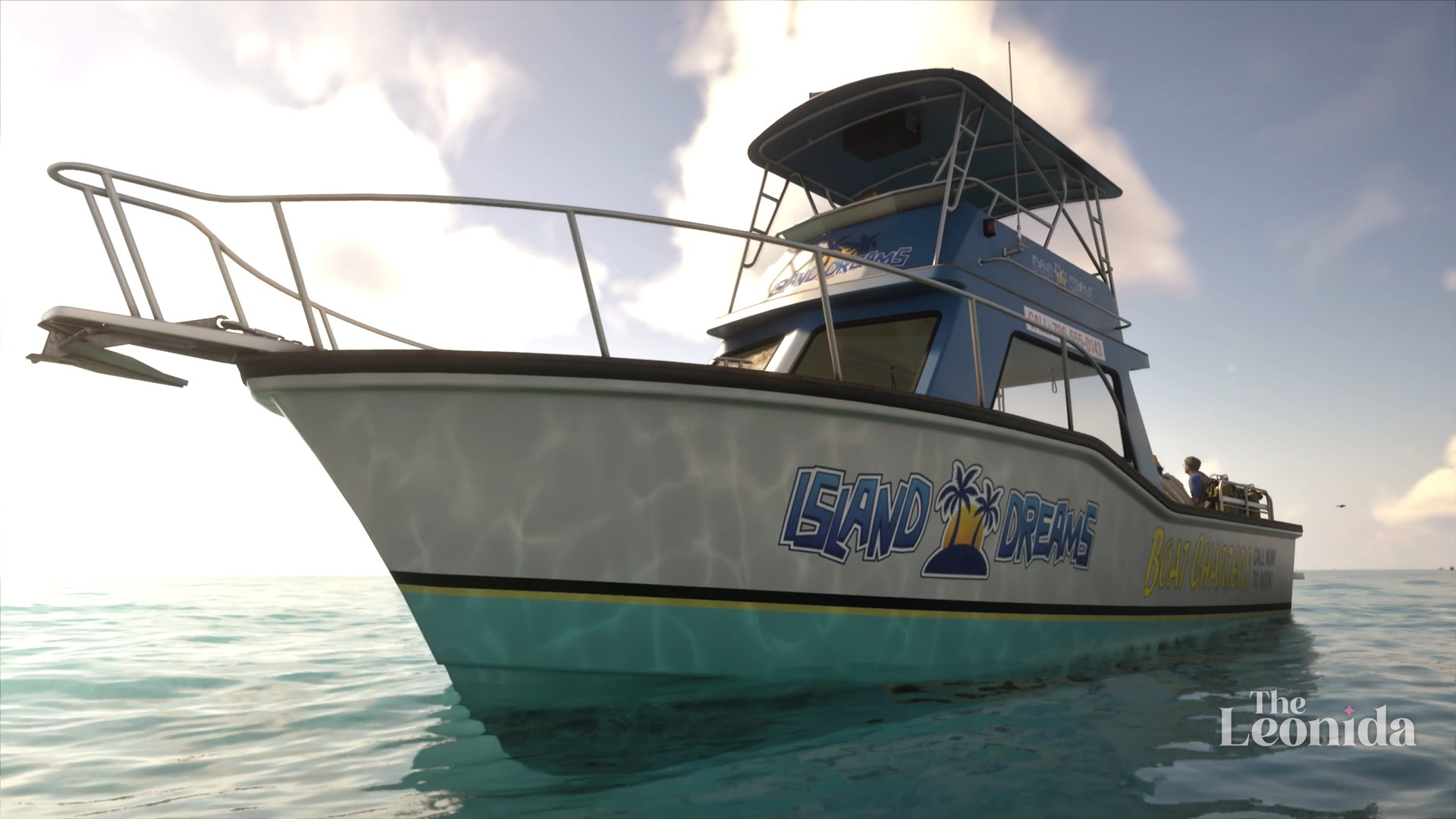
Island Dreams is a Chapter 1 mission for Jason, at sea. Kenton Rees, the treasure hunter Jason met at Brian's pool, can only go out on the water with a cover now, so he takes a bachelor party on a dive tour: you drive the boat, lead the party down to a wreck and search the seabed around it with a metal detector while they look around. Then things go wrong, and you'll need the speargun. It took us about 15 minutes on PS5, with the cutscenes.
The walkthrough below follows our own play, step by step, with the game's objectives in bold as it shows them.
How to start it
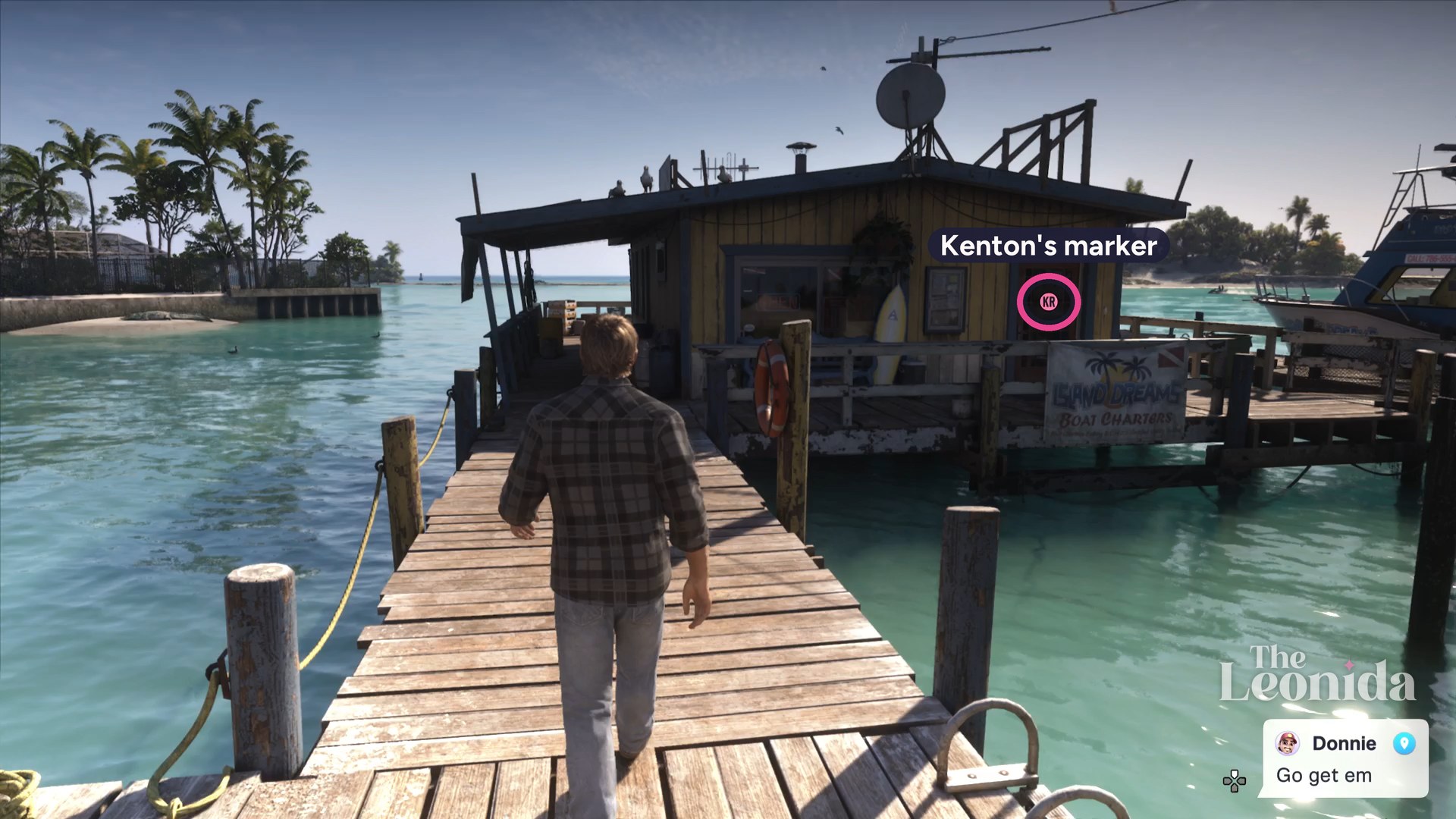
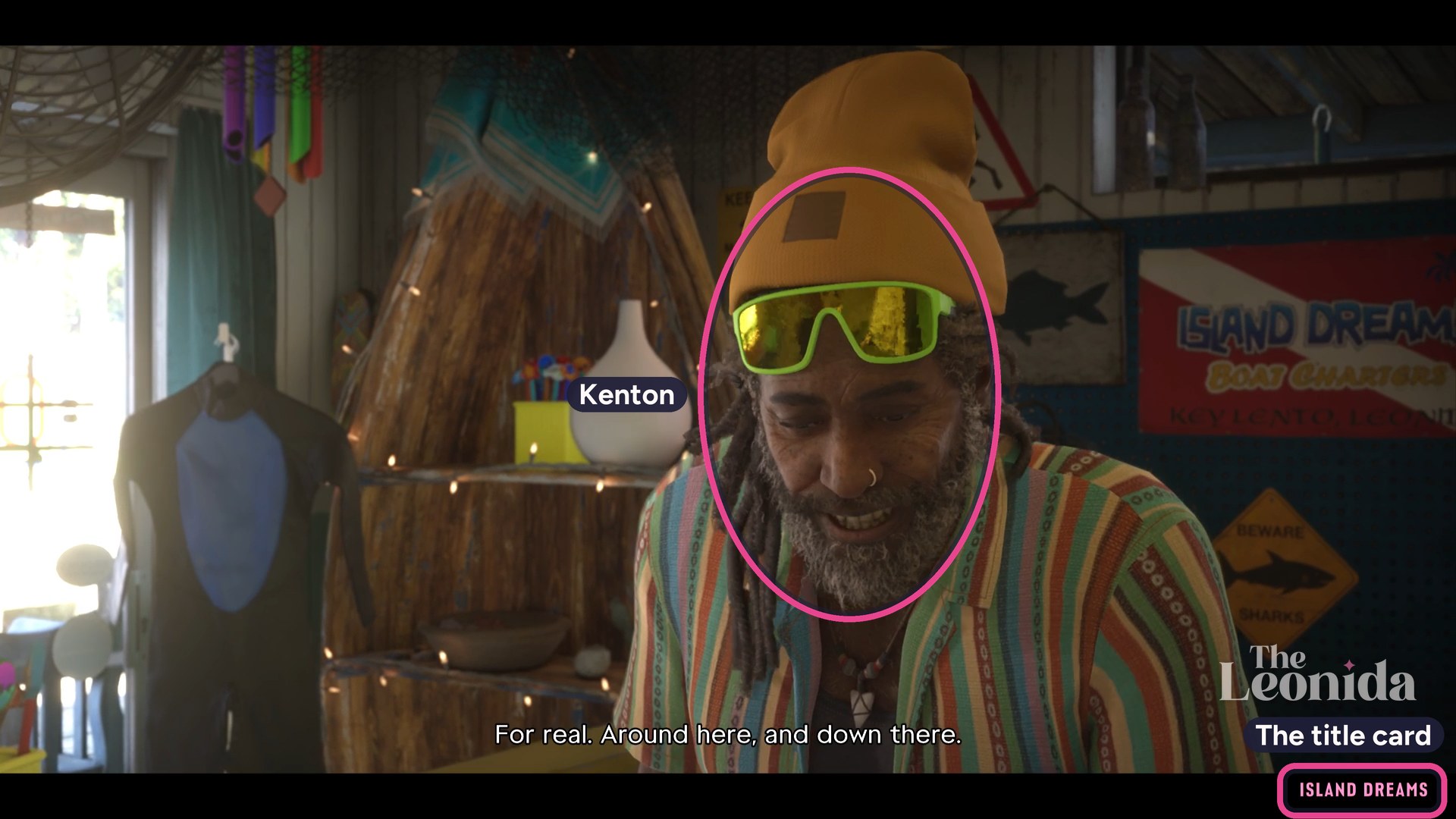
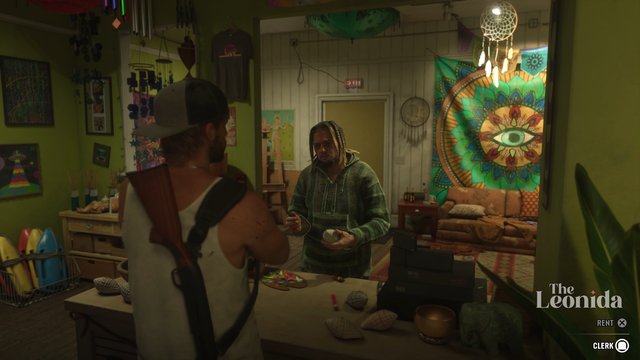
After Hey Arnold!, Kenton's marker, the letters KR, sits on the door of his charter shop, Island Dreams, a yellow wooden shack on stilts at the end of a dock in Key Lento, as the poster inside says. PowerPyx's walkthrough says the map lists the mission as Work for Kenton. Park in the sandy lot under the Island Dreams sign and walk down the dock. The mission starts at the door.
The Leonida, in-game (Grand Theft Auto VI, Rockstar Games)
As we pulled in, Donnie texted about getting back at the Kingfishers over by the Fishing Shacks, and the map updated. That isn't part of this mission.
The Leonida, in-game (Grand Theft Auto VI, Rockstar Games)
Walkthrough
1. Drive the boat to the diving spot
In the opening scene Kenton explains. Hurricane Juliana has shaken up the wrecks, and he has a good dive spot in mind, but a rich Englishman, Sir Todd Bancroft, holds the permits for every wreck around here and reported him, so Kenton can only go out with a cover. The cover walks out of the shop in wetsuits: three men on a bachelor party.
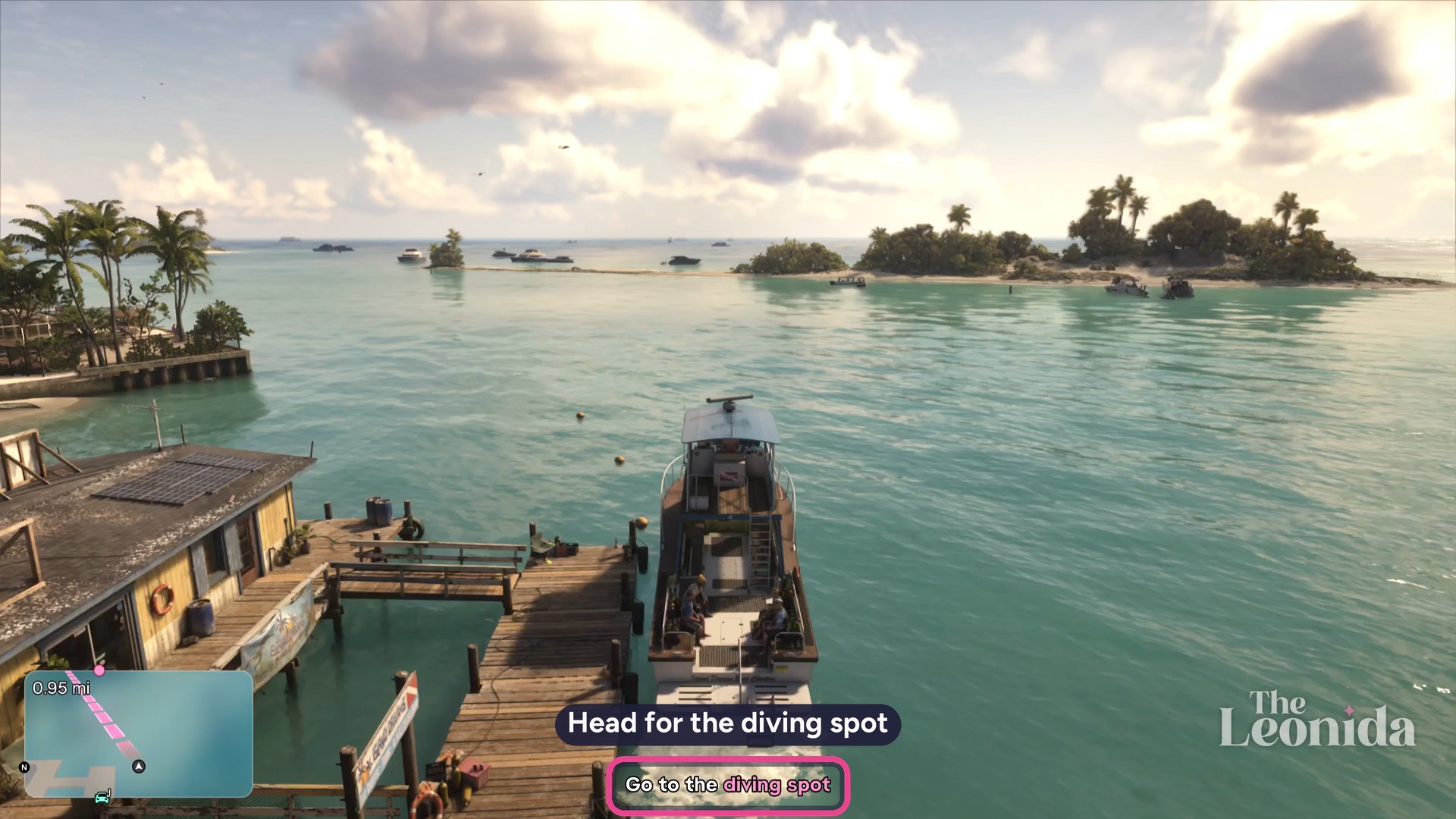
You take the wheel of Kenton's boat (its name card says Kenton's Sea Enchantress) with the objective Go to the diving spot, just under a mile away. Follow the GPS line out past the small palm-covered keys. On the way Kenton gives the party a safety talk and comes up to tell Jason the real job: take them through the trench to the wreck, then start searching. Near the spot he tells you to stop, and the boat stops by itself.
The Leonida, in-game (Grand Theft Auto VI, Rockstar Games)
2. Change into the scuba gear
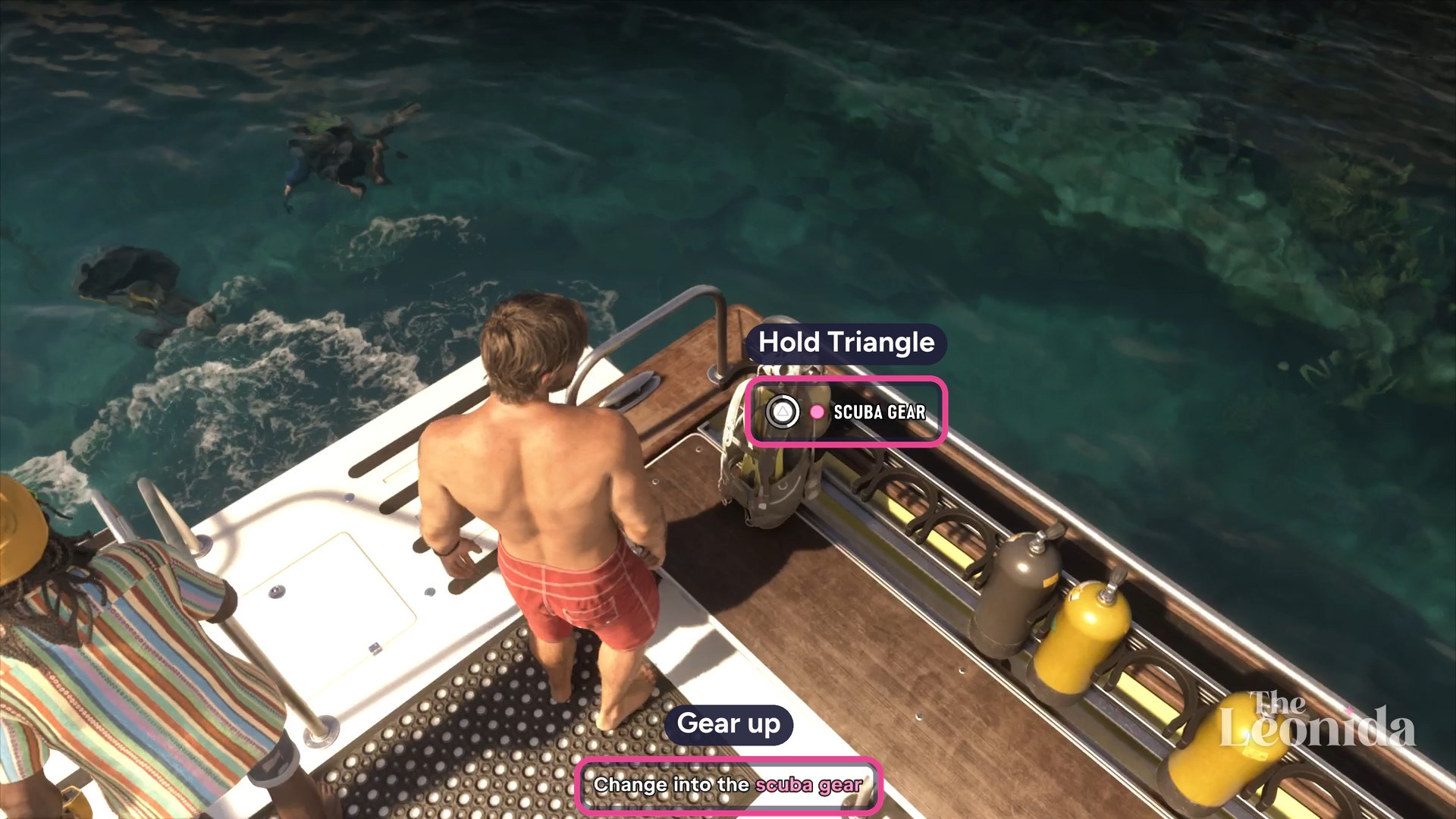
Climb down from the flybridge to the deck. Kenton pairs everyone with a buddy, Jason with Kyle, and the party jumps in. Then it's Change into the scuba gear: hold Triangle at Scuba Gear on the rack at the stern.
The Leonida, in-game (Grand Theft Auto VI, Rockstar Games)
Kenton hands Jason a metal detector to search the wreck with, and a speargun, the Arras Bullhead, just in case. Jason jumps in.
3. Swim through the trench
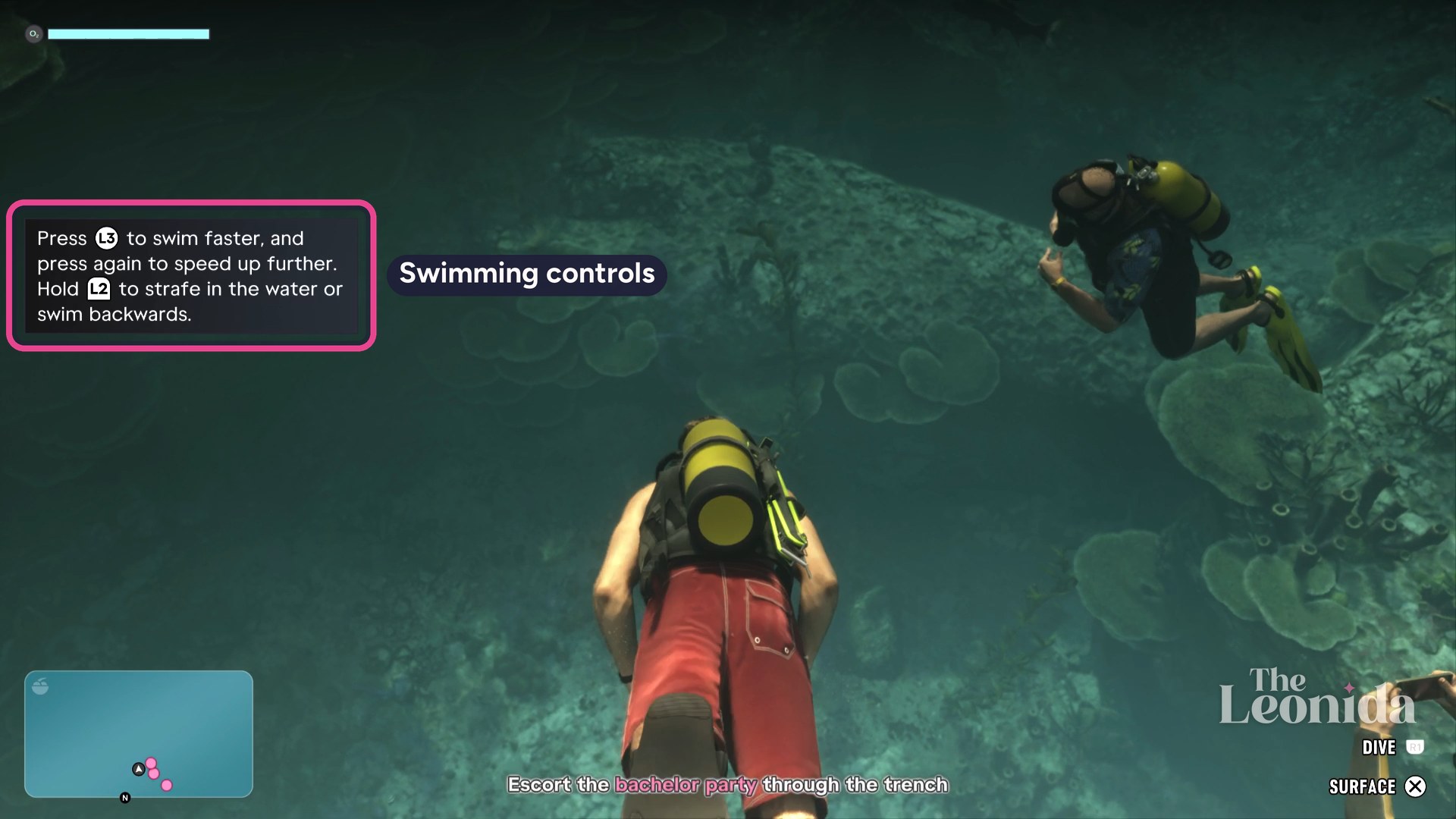
A tip covers the controls in the water: press L3 to swim faster, and press it again to go faster still, and hold L2 to strafe or swim backwards. R1 dives and X surfaces, and the O2 bar at top left is your air. It lasted the whole dive for us. Press down on the d-pad to show the full HUD and your current objective.
The Leonida, in-game (Grand Theft Auto VI, Rockstar Games)
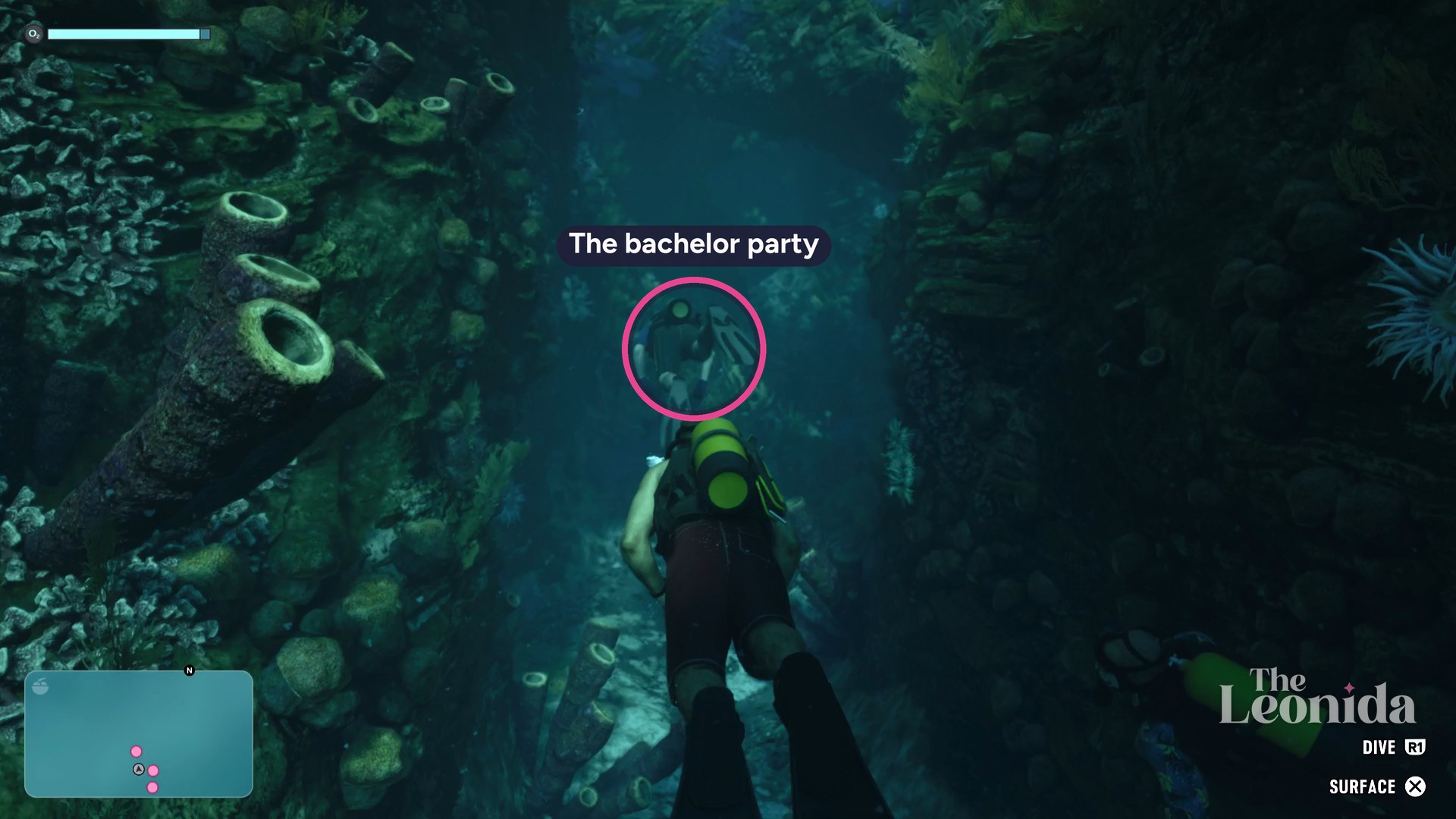
The objective is Escort the bachelor party through the trench. Jason lets the three lead, so follow them, the pink dots on the minimap, down a narrow trench of coral and tube sponges to the wreck.
The Leonida, in-game (Grand Theft Auto VI, Rockstar Games)
4. Search for treasure
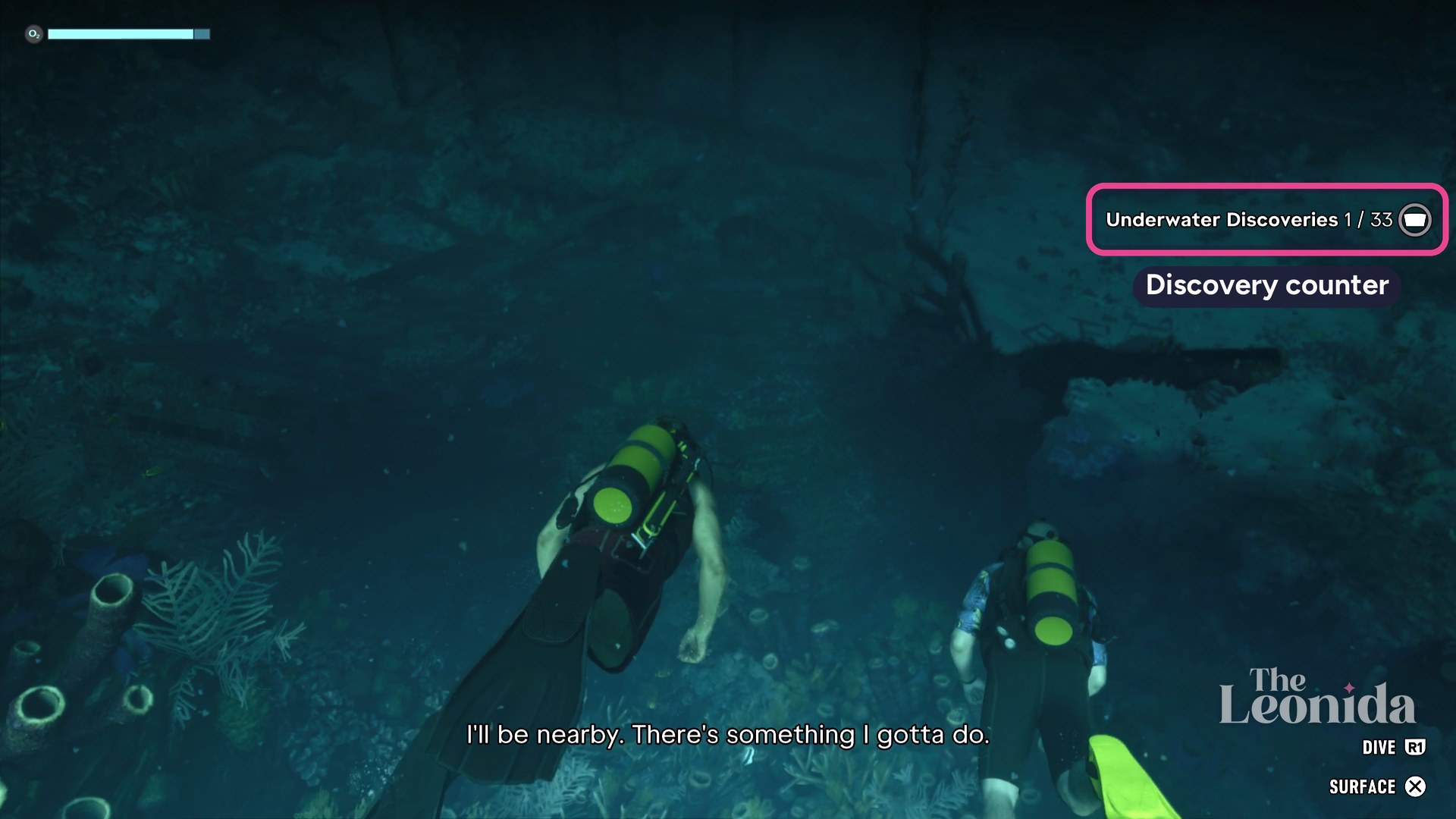
At the wreck, Jason sends the party off to look around and says he'll be nearby. As you reach it, a notice ticks Underwater Discoveries to 1 of 33.
The Leonida, in-game (Grand Theft Auto VI, Rockstar Games)
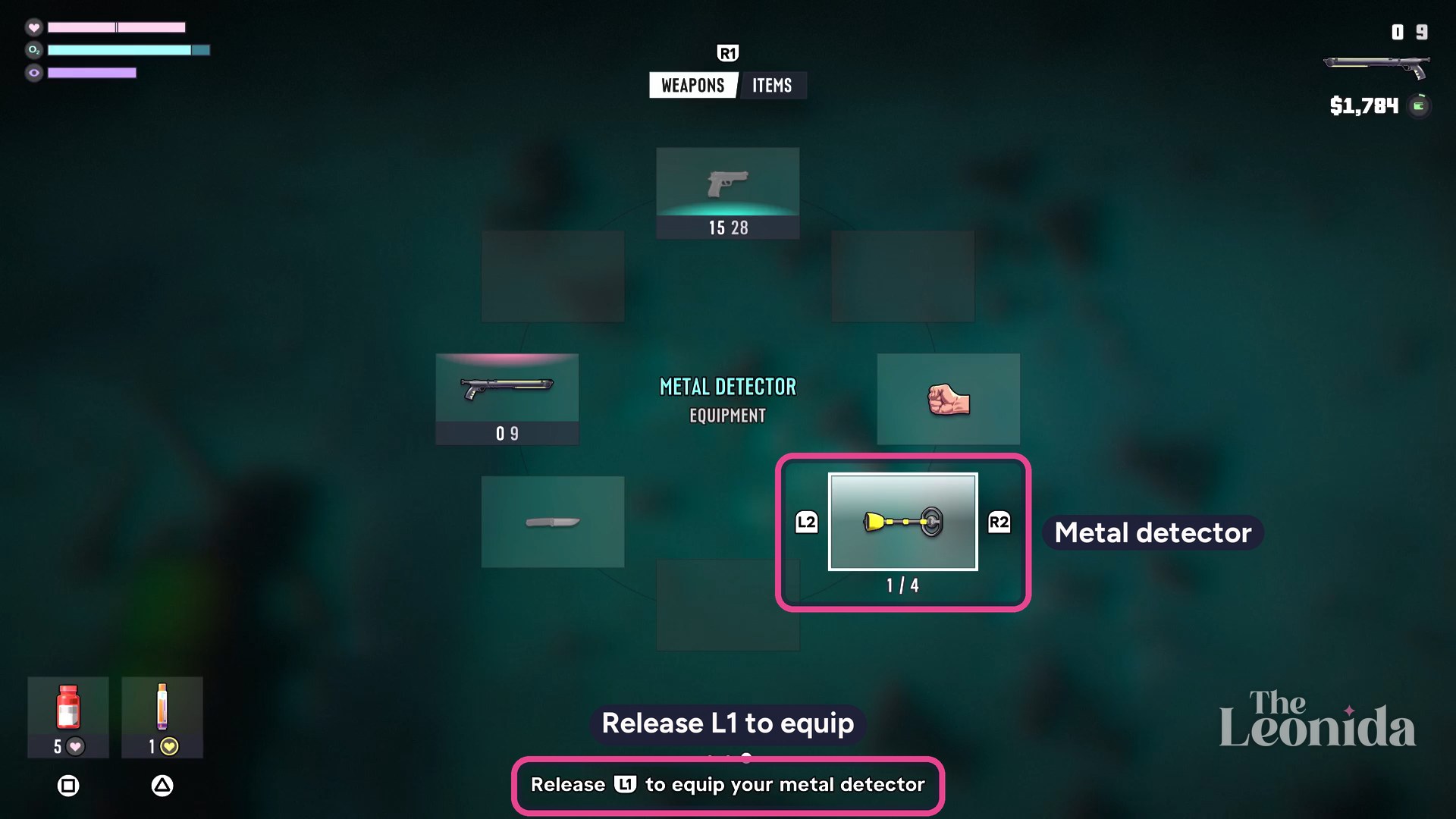
Hold L1 to open your loadout, pick the metal detector at the bottom right of the wheel with the right stick, and let go of L1 to equip it.
The Leonida, in-game (Grand Theft Auto VI, Rockstar Games)
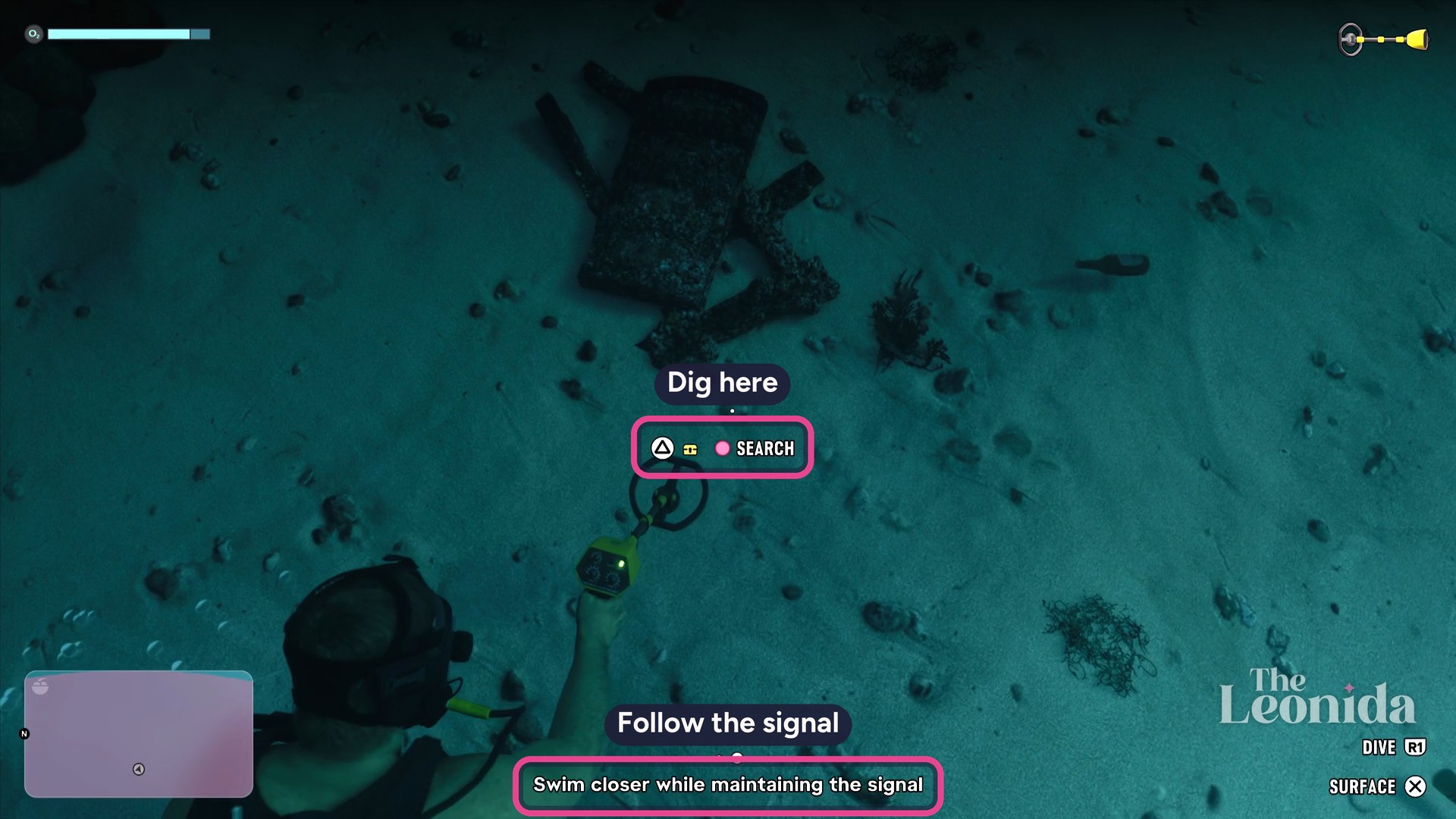
A pink area on the minimap marks where to search. Hold L2 or R2 to aim the detector and look around until you pick up a signal, then swim closer while keeping it; PowerPyx's walkthrough says the detector's light turns from red to green when you're on it. A Search prompt with a chest icon appears on the seabed. Press Triangle there and Jason digs, then press X when it shows by his hand.
The Leonida, in-game (Grand Theft Auto VI, Rockstar Games)
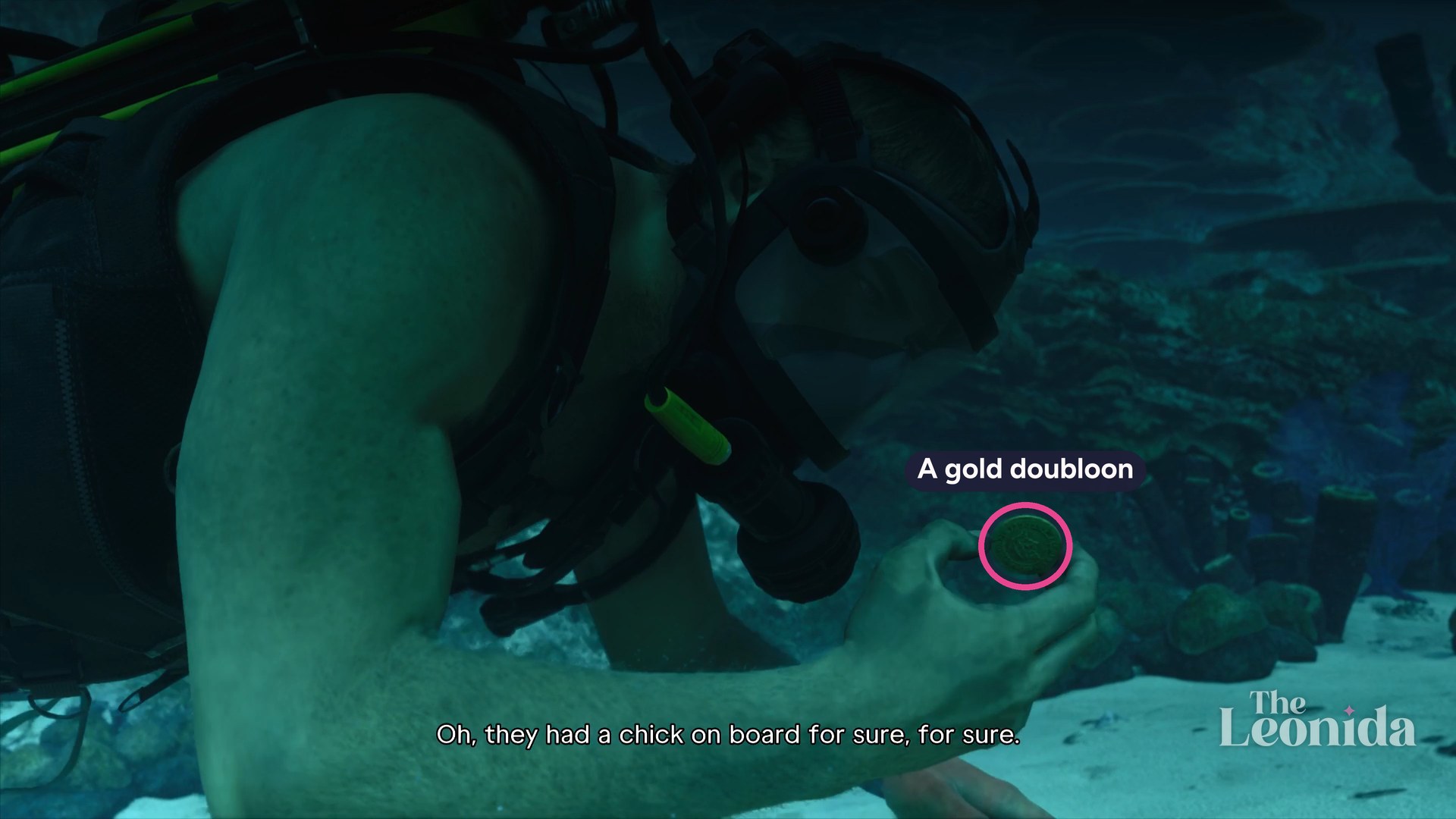
He comes up with a gold coin, and the game adds + Gold Doubloons.
The Leonida, in-game (Grand Theft Auto VI, Rockstar Games)
We found a second spot the same way before the party got into trouble, and dug up a third before going to help. PowerPyx's walkthrough counts three in all.
5. Rescue Dobbs
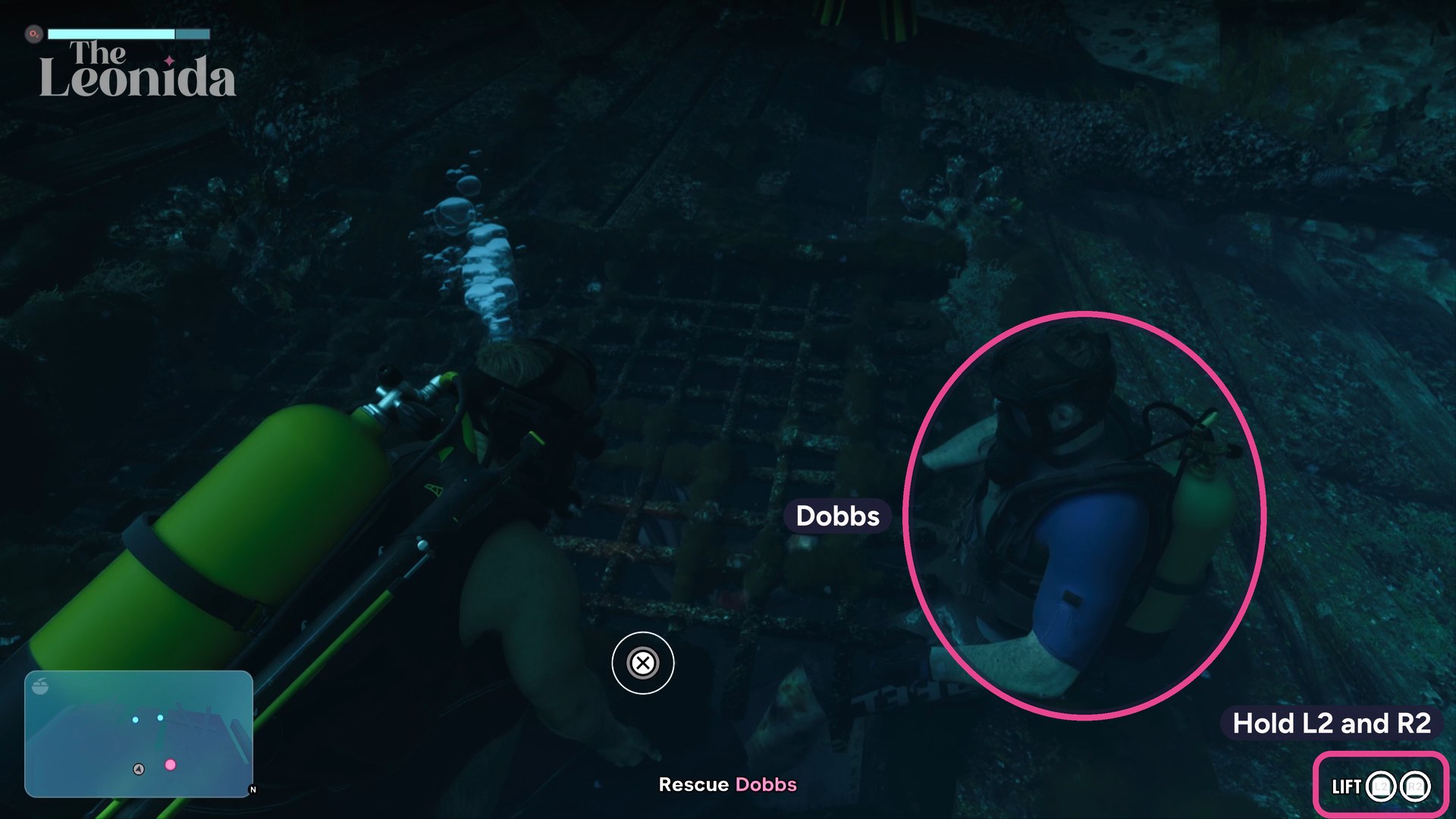
Over the comms, you hear the best man, Dobbs, go off alone into the wreck after treasure and get caught on something. The objective turns to Check on Dobbs: he's pinned under a metal grate on the wreck's deck, a pink dot on the minimap. Put the detector away (we switched to unarmed) and press Triangle at Grab. The objective becomes Rescue Dobbs: hold L2 and R2 at Lift, then press X when it shows by Jason's hands.
The Leonida, in-game (Grand Theft Auto VI, Rockstar Games)
Dobbs swims free, but his leg is bleeding.
6. Defend the bachelor party
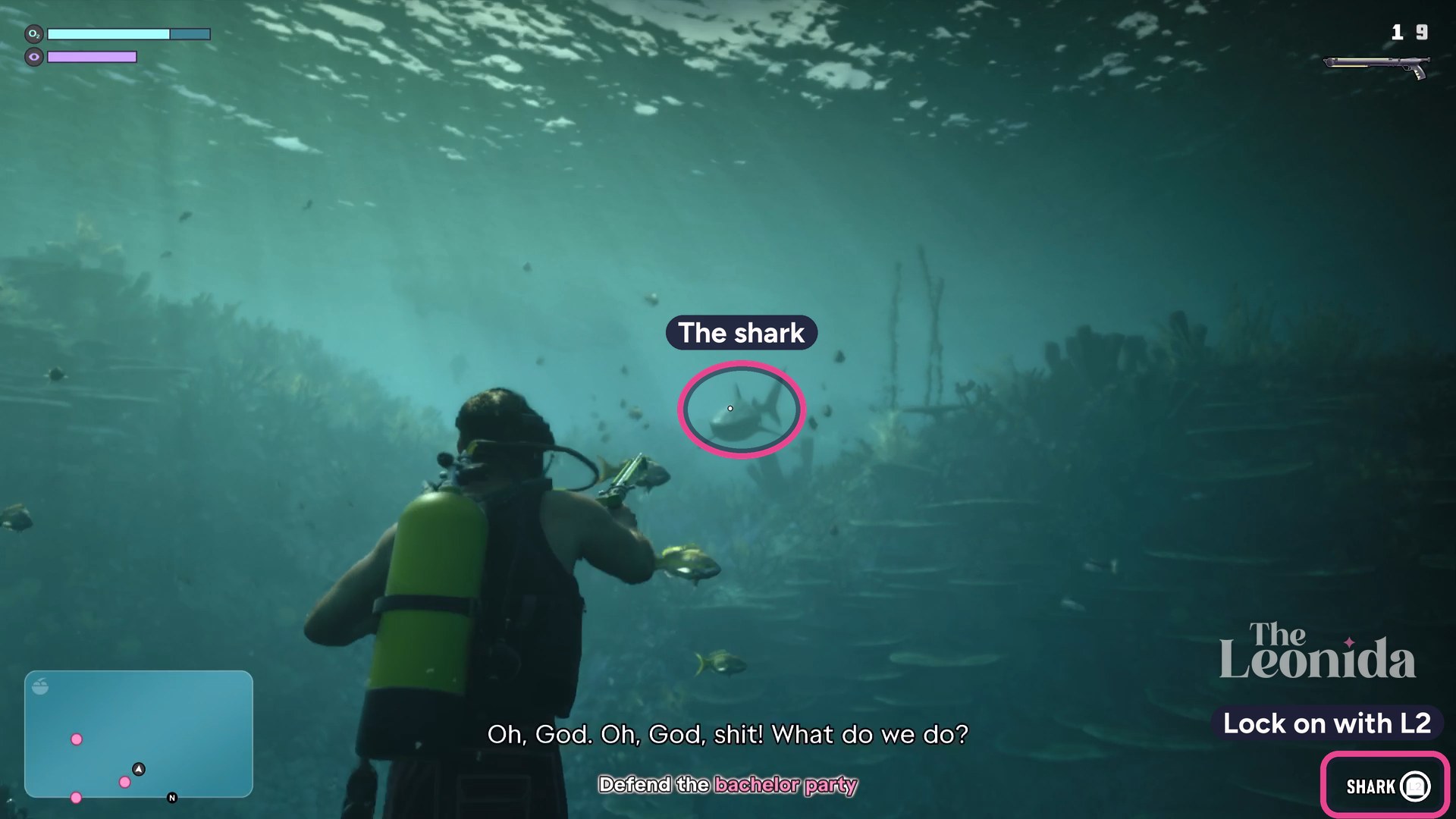
The next objective is Escort the bachelor party to the boat. Switch to the speargun now, on the left of the loadout wheel: a shark is coming.
When it shows up, the objective becomes Defend the bachelor party. Hold L2 to lock on (the prompt says Shark) and shoot. Two hits drove it off in our play.
The Leonida, in-game (Grand Theft Auto VI, Rockstar Games)
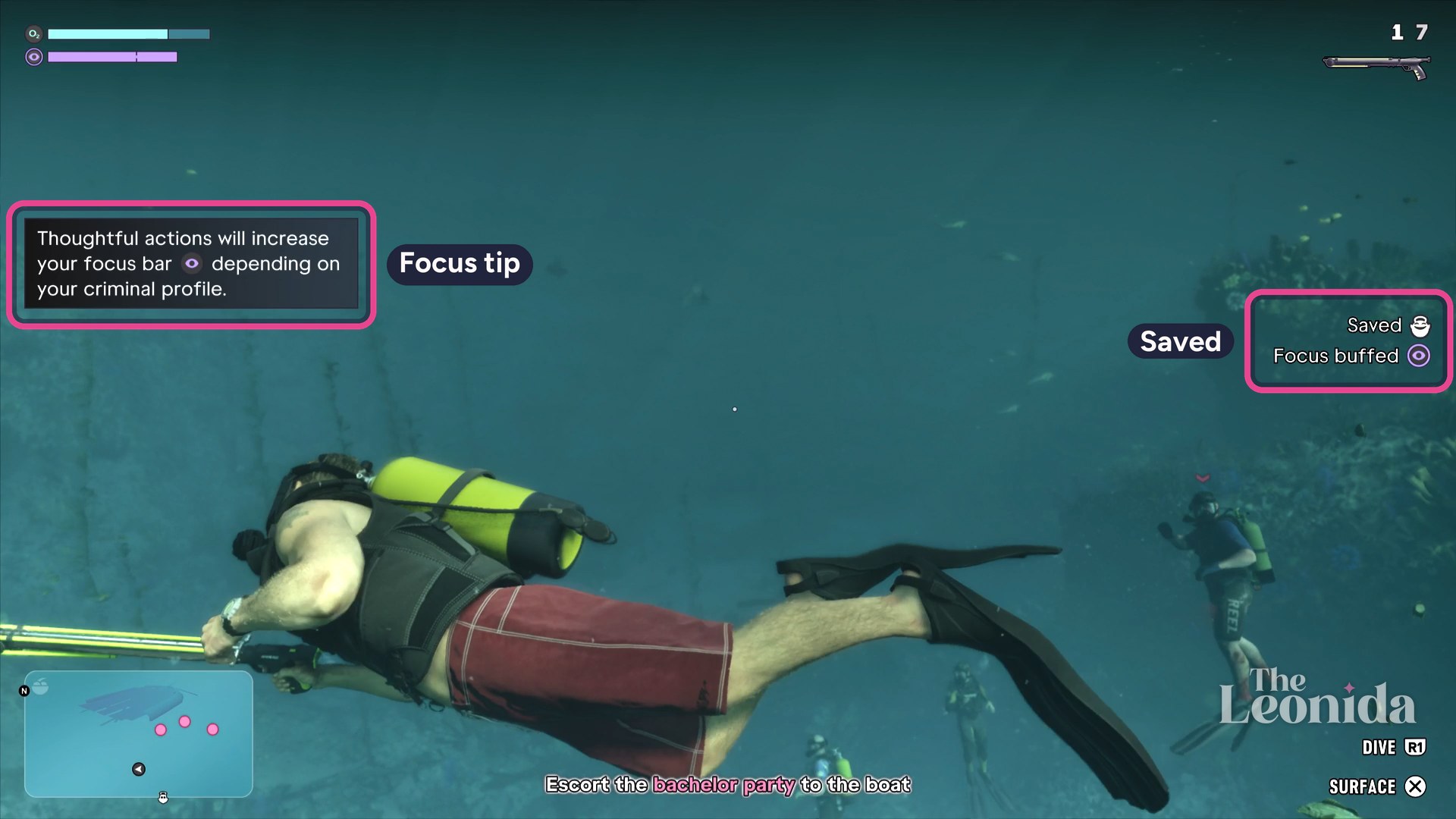
Two tags came up, Saved and Focus buffed, with a tip: thoughtful actions increase your focus bar, depending on your criminal profile.
The Leonida, in-game (Grand Theft Auto VI, Rockstar Games)
If you don't shoot, the shark eats Dobbs, PowerPyx's walkthrough says. It adds that either way is fine: nothing changes later, and only what the party says in the closing scene is different.
7. Back to the boat
It's Escort the bachelor party to the boat again. A dolphin swims by, and the game lets you lock on to it too; leave it. Surface at the stern and climb the ladder.
In the closing scene Kenton calls off the tour. Bancroft pulls up alongside in his work boat to ask what they're doing out here, and Jason passes himself off as the dive guide. Once Bancroft has gone, Jason shows Kenton the coins, and Kenton makes him an offer: there are wrecks like this all over the Keys, and if Jason can search them without Bancroft catching on, Kenton will sell whatever he finds. Back at the dock, Kenton keeps the coins in his safe for now.
After the mission
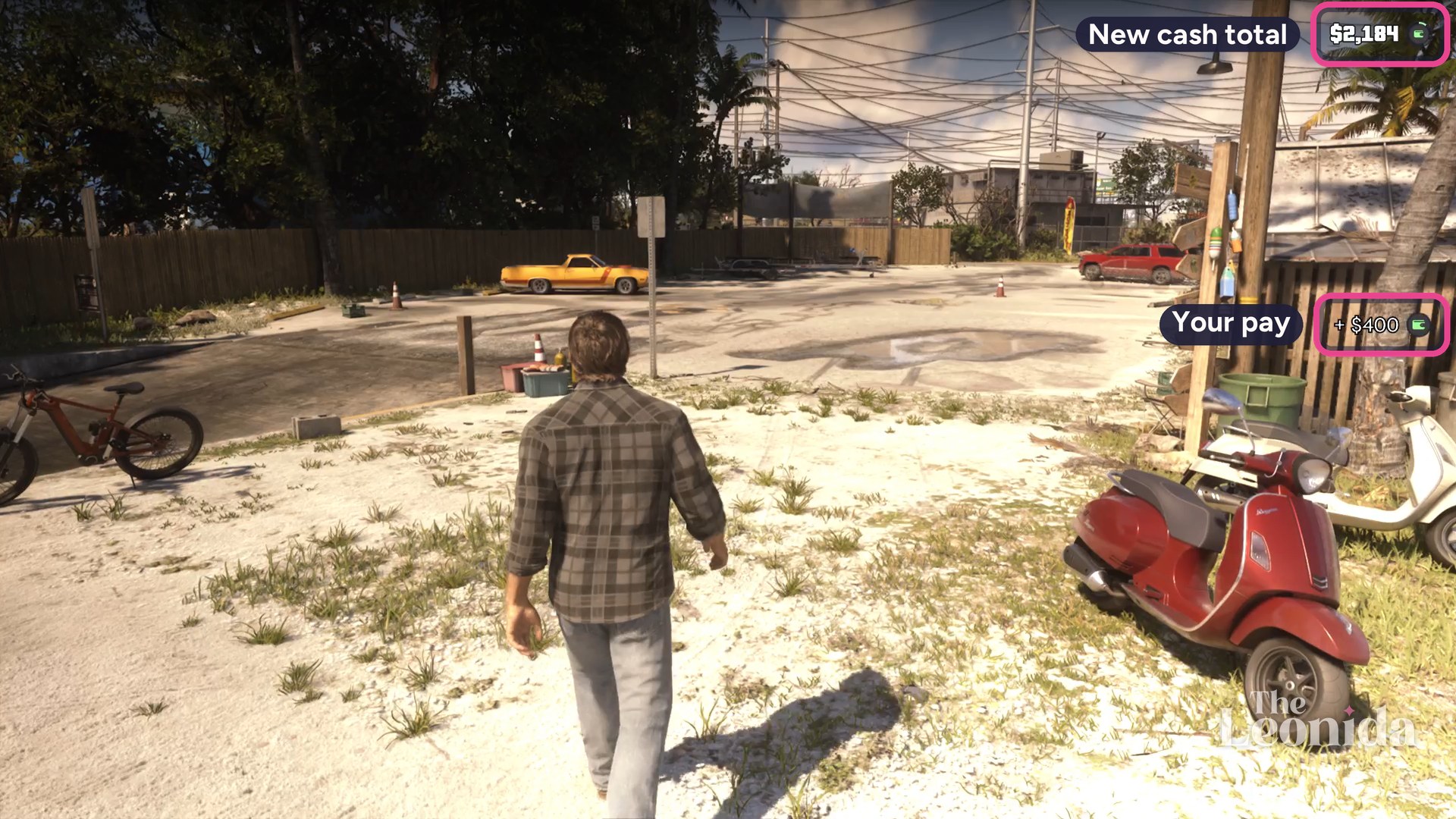
No mission-passed screen showed in our recording. When the closing scene ends in the lot, the game adds + $400 in cash, which took us from $1,784 to $2,184; PowerPyx's walkthrough gives the same reward. Our money guide has how diving for treasure pays.
The Leonida, in-game (Grand Theft Auto VI, Rockstar Games)
It's the Jason mission that follows Hey Arnold! in Chapter 1. Go to the KR marker on the door of the Island Dreams charter shop, on a dock in Key Lento. PowerPyx's walkthrough says the map lists it as Work for Kenton.
How do you use the metal detector in GTA 6?
Hold L1 to open your loadout, pick the metal detector with the right stick and let go of L1. Hold L2 or R2 to aim it, swim around the pink area on the minimap until you pick up a signal, then swim closer while keeping it. A Search prompt marks the spot on the seabed: press Triangle there to dig.
How do you swim faster underwater in GTA 6?
Press L3 to swim faster, and press it again to go faster still. R1 dives, X surfaces and holding L2 lets you strafe or swim backwards. The O2 bar at top left is your air.
How much does Island Dreams pay?
$400 in cash, paid when the closing scene ends. We had $1,784 going in and $2,184 after.
Can you replay Island Dreams?
Only from a save: GTA 6 has no menu for replaying missions, so you load a save from before it, Dexerto's guide says. Keep a manual save from before any mission you might want to play again.
What did you think?
Free newsletter
Every new detail, as it's revealed
GTA 6 news, guides and tips by email, including how it plays, from the police to the wildlife.