How to do Pick Up Groceries, an optional Chapter 1 task for Jason in GTA 6: the store, what to buy, the trunk and the drop-off at home, from our play on PS5.
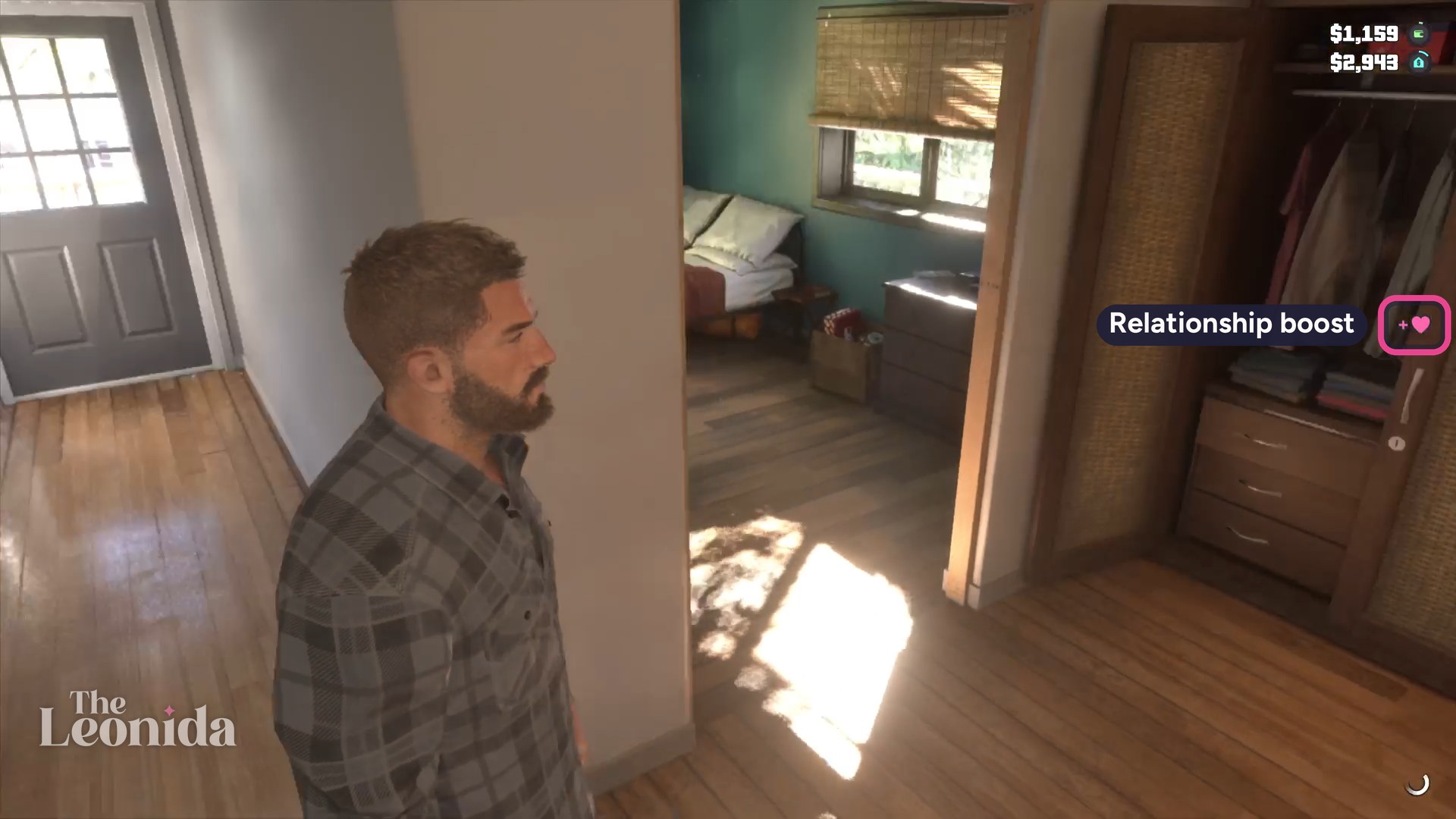
A heart toward Jason's relationship with Lucia, once the groceries are put away at home
No money: three items cost us $23
This page describes story events.
It stays blurred until you choose to read it.
Pick Up Groceries is an optional task in GTA 6's Chapter 1: Jason stocks up the house before Lucia comes home, at the Key Lento Mini-Mart, and carries the shopping home. It's one of the errands the map lists under Lucia's Release, and it earns a heart toward their relationship. Our three items came to $23, and the shopping took under a minute.
The walkthrough below follows our own play on PS5, with the game's objectives in bold as it shows them.
How to start it
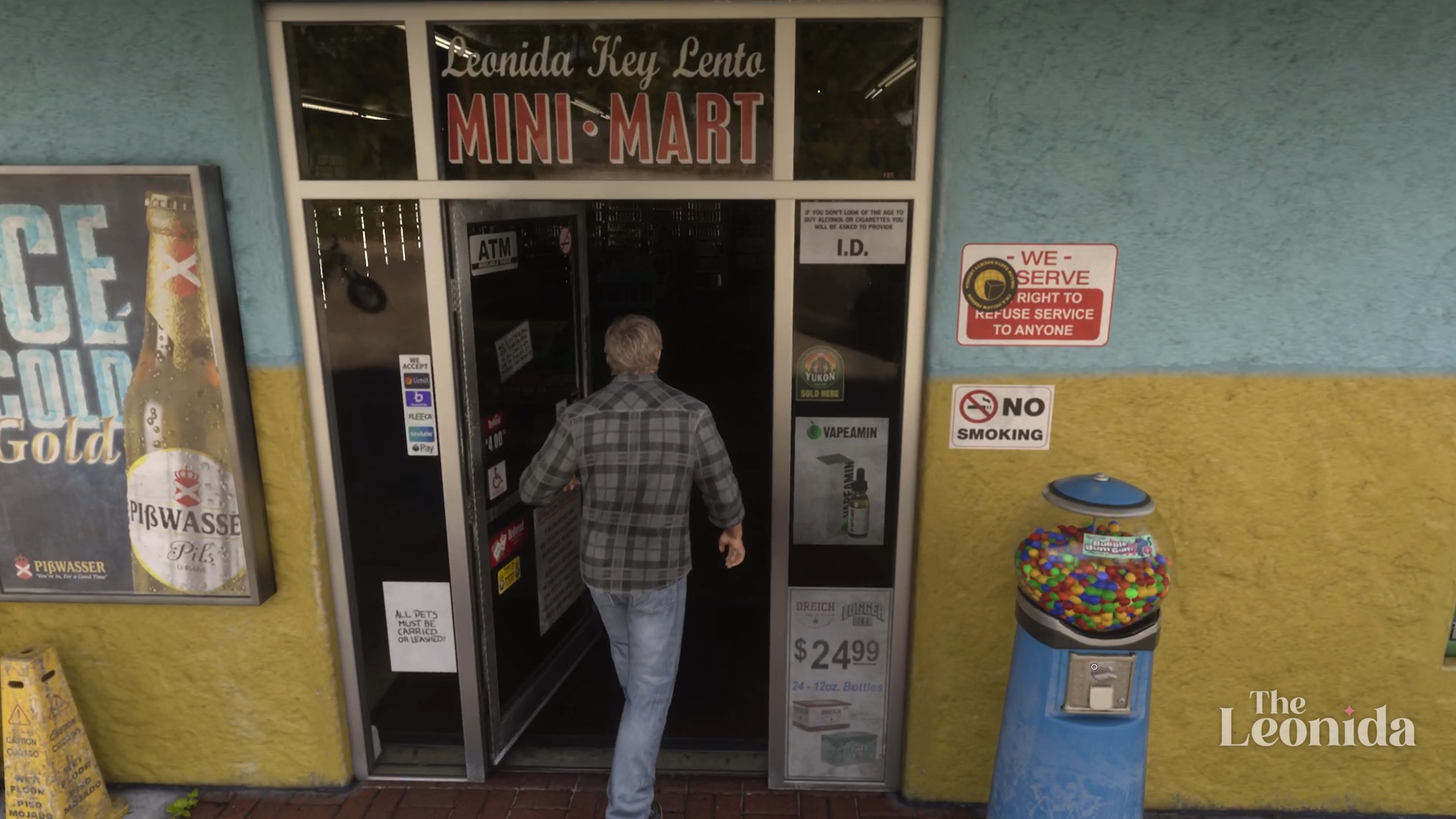
There's nothing to start. Once Feng Shui is done, a pink basket with a heart on the minimap marks the Key Lento Mini-Mart. Walk in, and the objective is Buy some groceries.
The Leonida, in-game (Grand Theft Auto VI, Rockstar Games)
Walkthrough
1. Buy three items
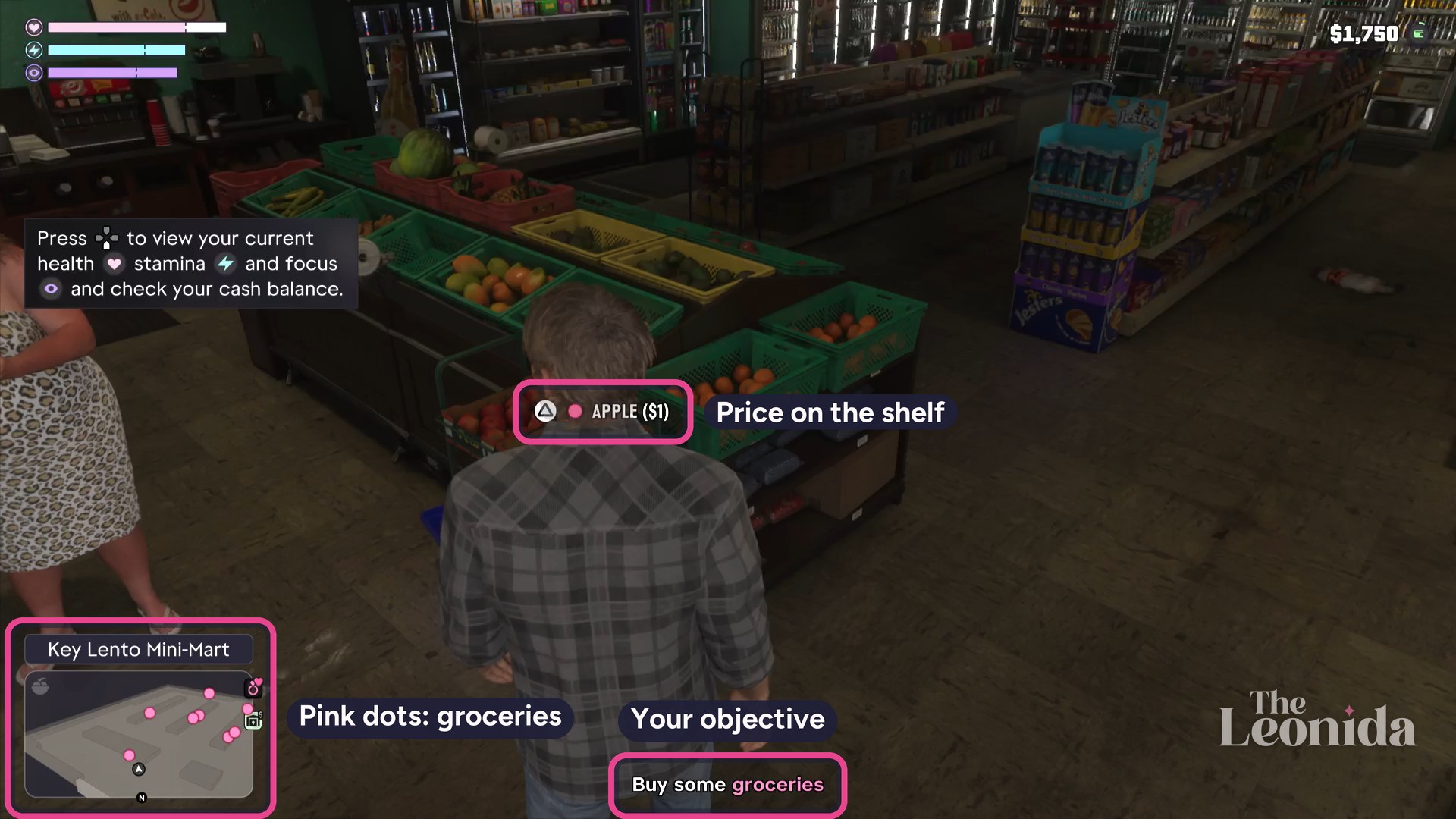
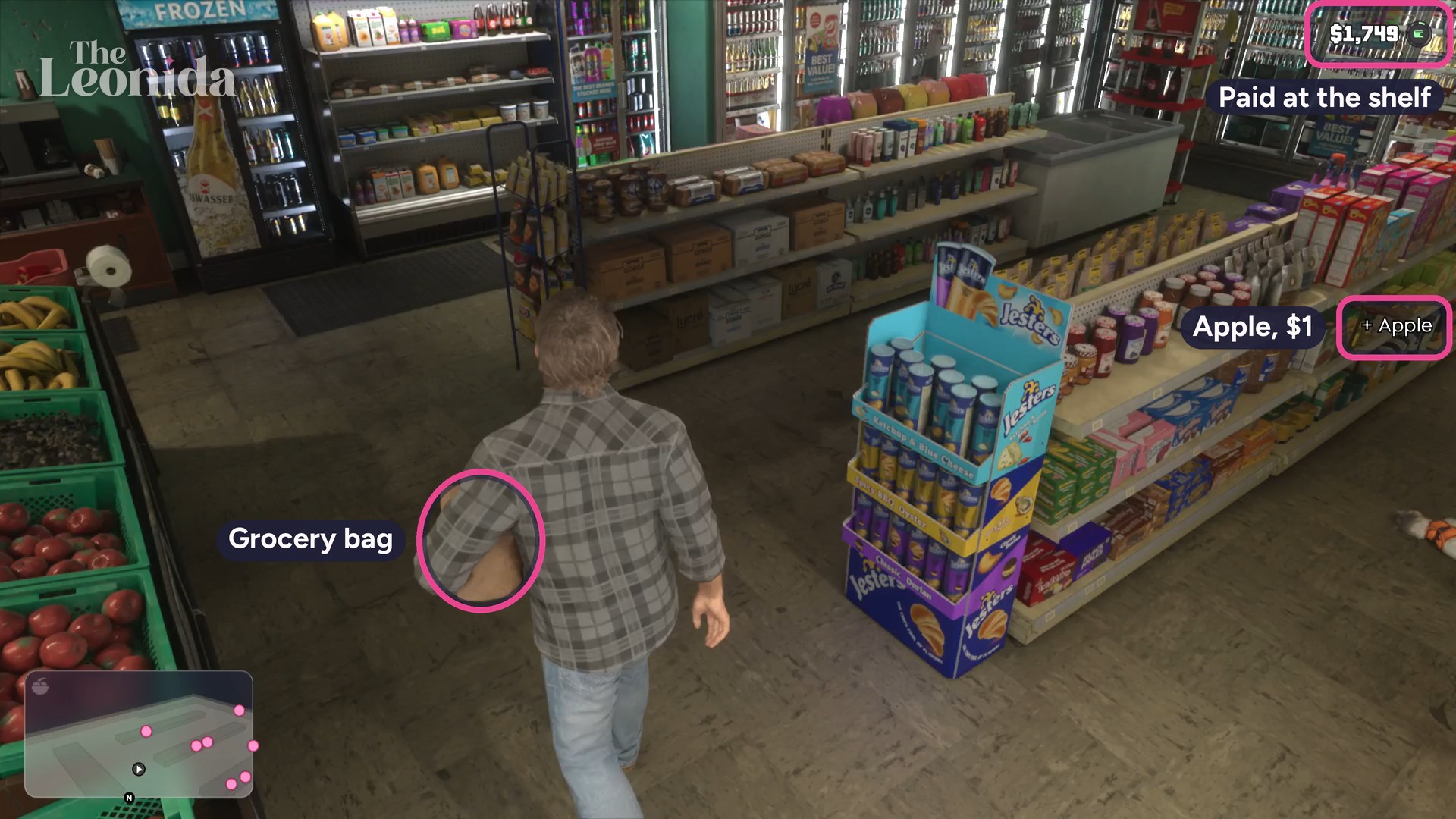
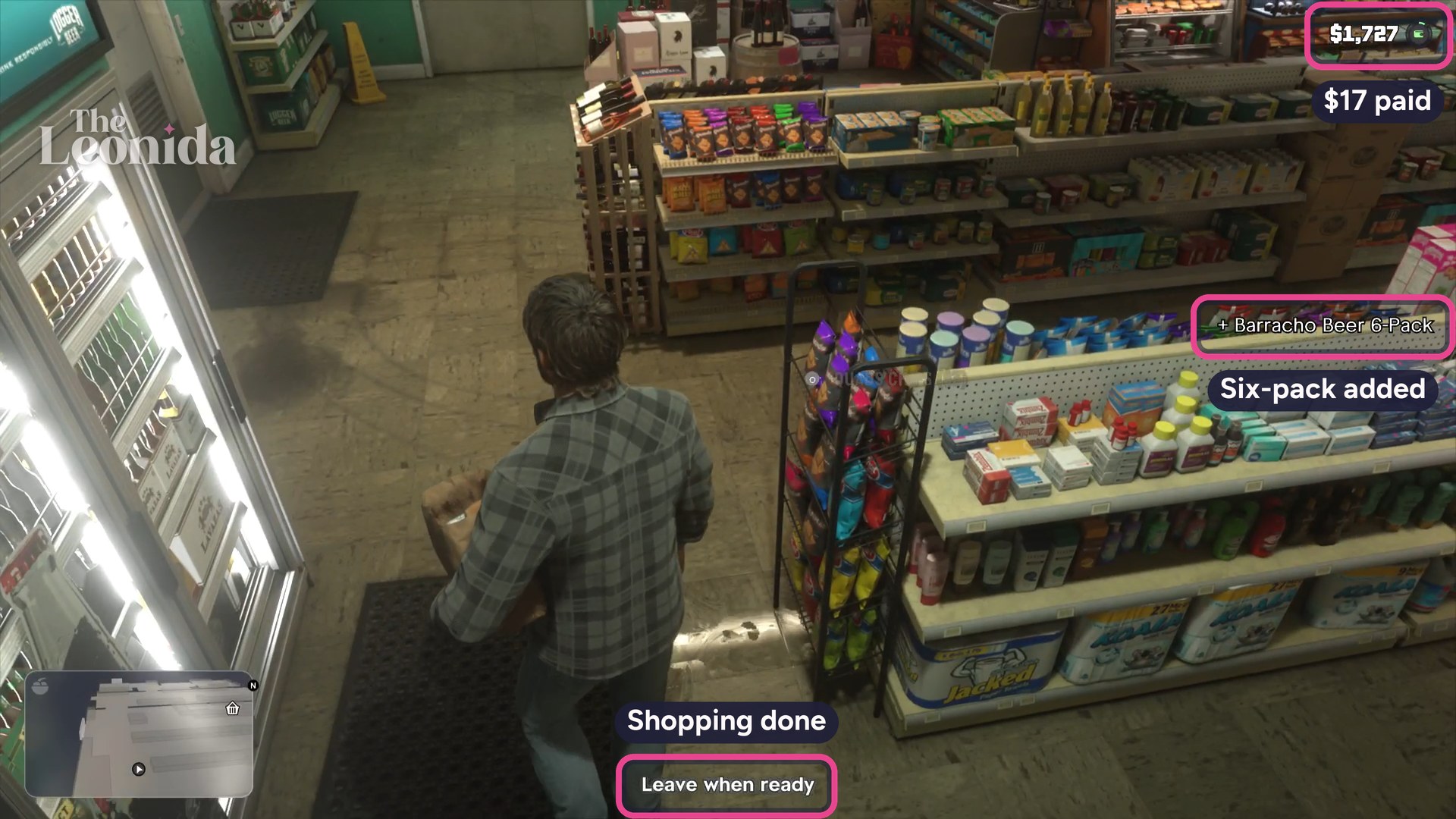
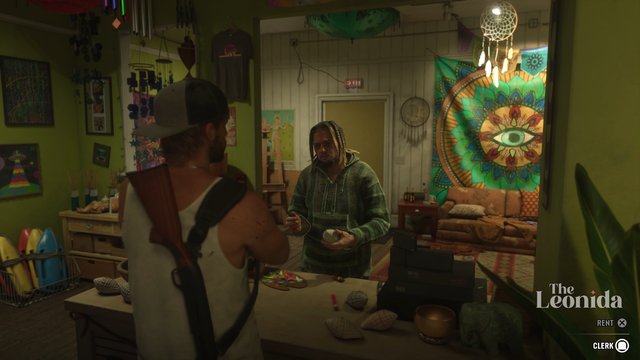
Pink dots on the minimap show groceries to buy; our loaf of bread counted too, though its prompt had no dot. Walk up to one and press Triangle at its prompt, which shows the price: there's no till, and each item is paid for as Jason takes it off the shelf. He carries a paper bag from the first one.
The Leonida, in-game (Grand Theft Auto VI, Rockstar Games)
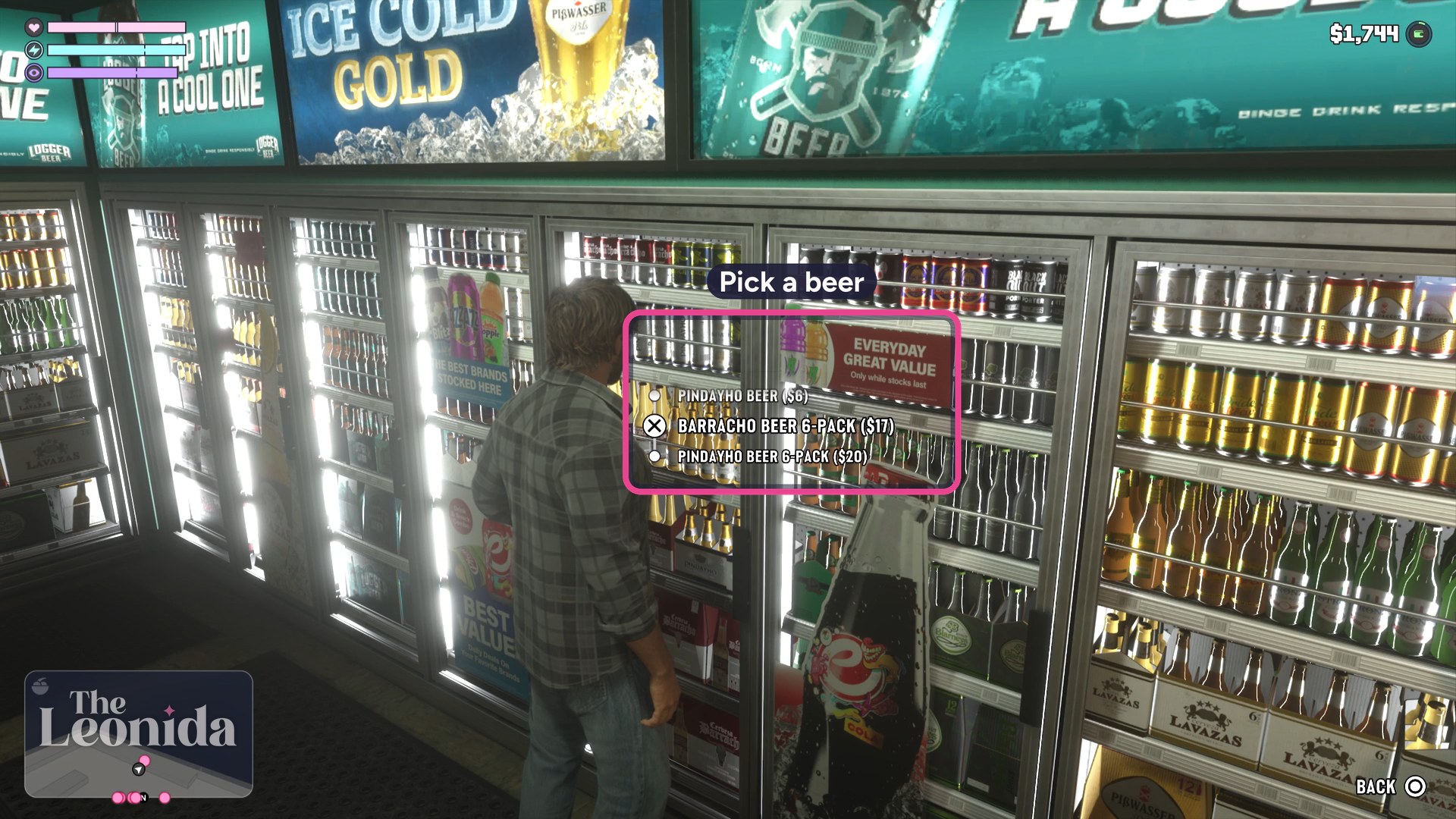
We took an apple for $1 and a loaf of bread for $5. The beer fridge opens a menu: Barracho Beer for $4, Pindayho Beer for $6, a Barracho Beer 6-Pack for $17 and a Pindayho Beer 6-Pack for $20. We took the Barracho six-pack.
The Leonida, in-game (Grand Theft Auto VI, Rockstar Games)
After the third item the objective becomes Leave when ready, and the pink dots go.
The Leonida, in-game (Grand Theft Auto VI, Rockstar Games)
2. Stow the bag in your trunk
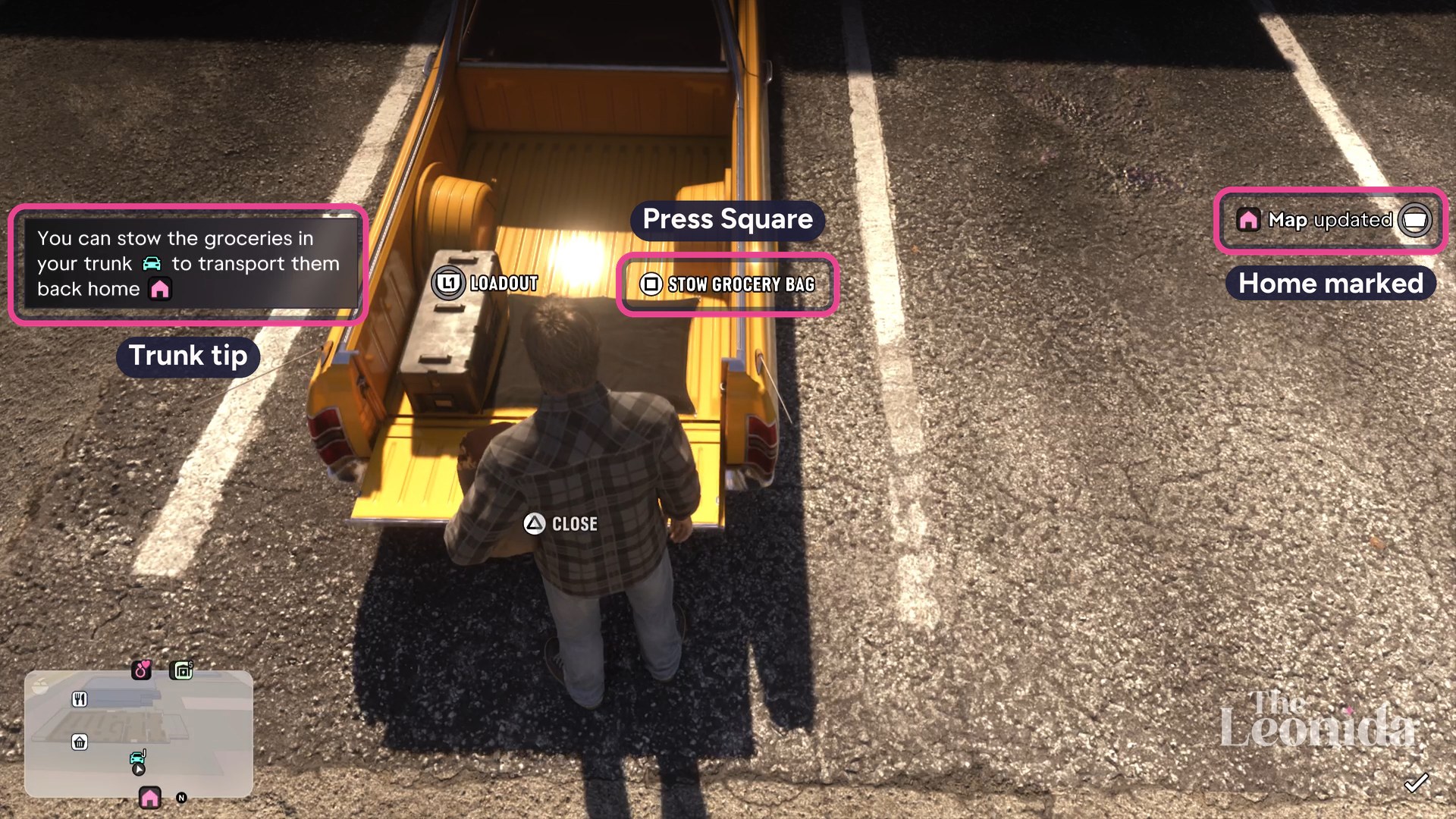
Outside, the map updates with a pink house icon for home, and a tip says you can stow the groceries in your trunk to take them back. At your car, open the trunk (on Jason's pickup, the bed) and press Square at Stow Grocery Bag.
The Leonida, in-game (Grand Theft Auto VI, Rockstar Games)
On the map the task is now Drop Off Groceries: bring your groceries back home. Nothing's on a timer, so you can run the other errands first, as we did.
3. Take the groceries home
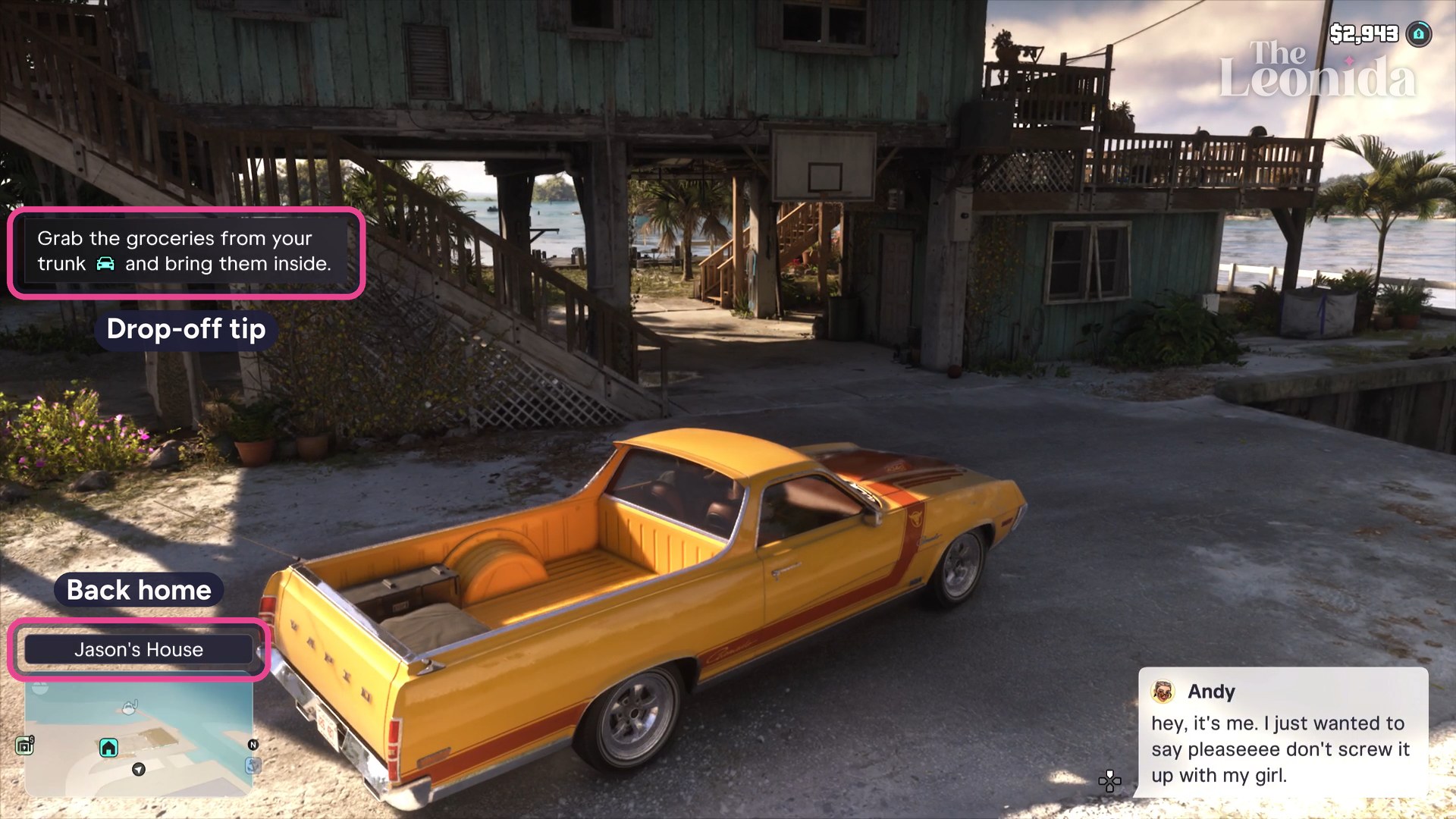
At Jason's house a tip says to grab the groceries from your trunk and bring them inside.
The Leonida, in-game (Grand Theft Auto VI, Rockstar Games)
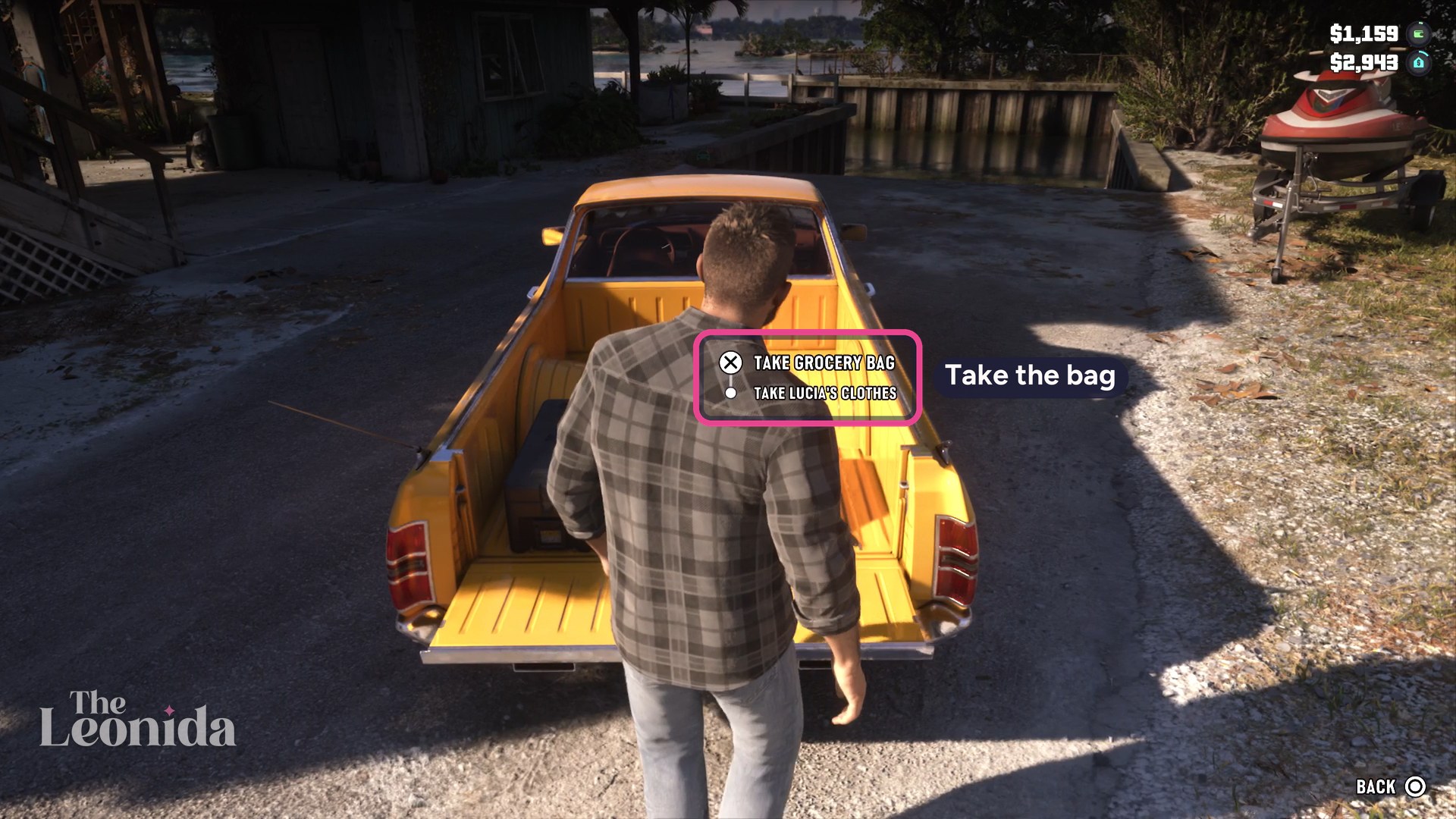
Open the trunk and press X at Take Grocery Bag. If you're carrying Lucia's clothes too, leave them there.
The Leonida, in-game (Grand Theft Auto VI, Rockstar Games)
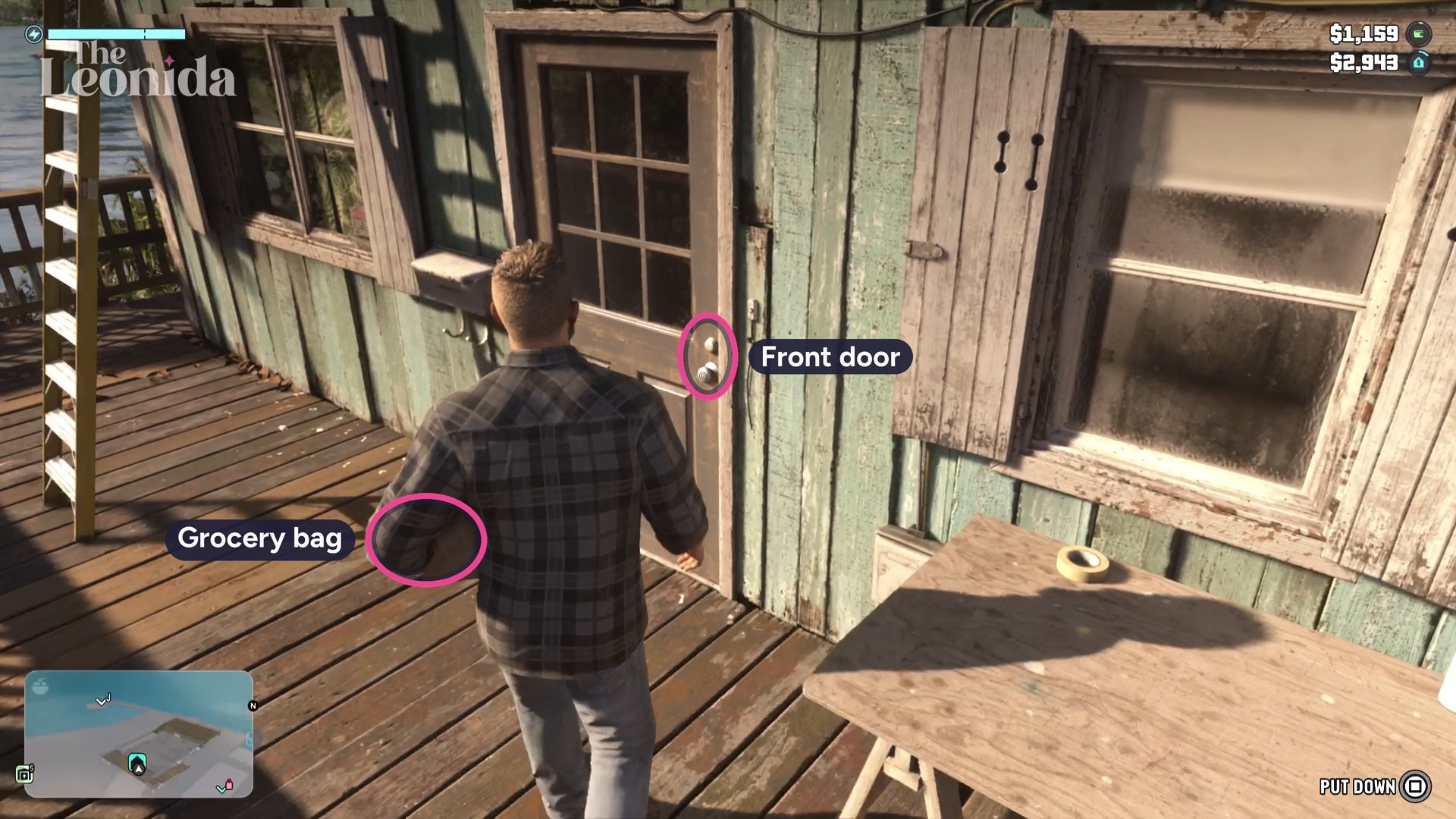
Carry the bag up to the front door and in.
The Leonida, in-game (Grand Theft Auto VI, Rockstar Games)
A short scene plays of Jason putting everything away in the kitchen, and then a pink heart pops up at the right: the task is done.
The Leonida, in-game (Grand Theft Auto VI, Rockstar Games)
What you get
A heart toward Jason and Lucia's relationship. The groceries cost us $23, taking Jason's cash from $1,750 to $1,727, and the task pays nothing.
For Pick Up Groceries, at the Key Lento Mini-Mart, which a pink basket with a heart marks on the minimap. Inside, pink dots on the minimap show groceries to buy.
How many groceries do you need to buy?
Three. After our third item, an apple, a loaf of bread and a six-pack, the objective changed to Leave when ready. PowerPyx's walkthrough says any three will do.
Do you have to pay at the till?
No. Every item is paid for as you take it off the shelf with Triangle; the price shows on the prompt.
How do you drop off the groceries?
Stow the bag in your trunk with Square, drive home, take it out of the trunk and carry it through the front door. A short scene of Jason putting it all away finishes the task.
What did you think?
Free newsletter
Every new detail, as it's revealed
GTA 6 news, guides and tips by email, including how it plays, from the police to the wildlife.