GTA 6 Crashing on PS5 With Error CE-108255-1: What's Known and What to Try
Some PS5 owners say GTA 6 keeps crashing to the home screen with error CE-108255-1, in the prologue or hours in. What the code means, what Rockstar and Sony have said, and what players have tried.
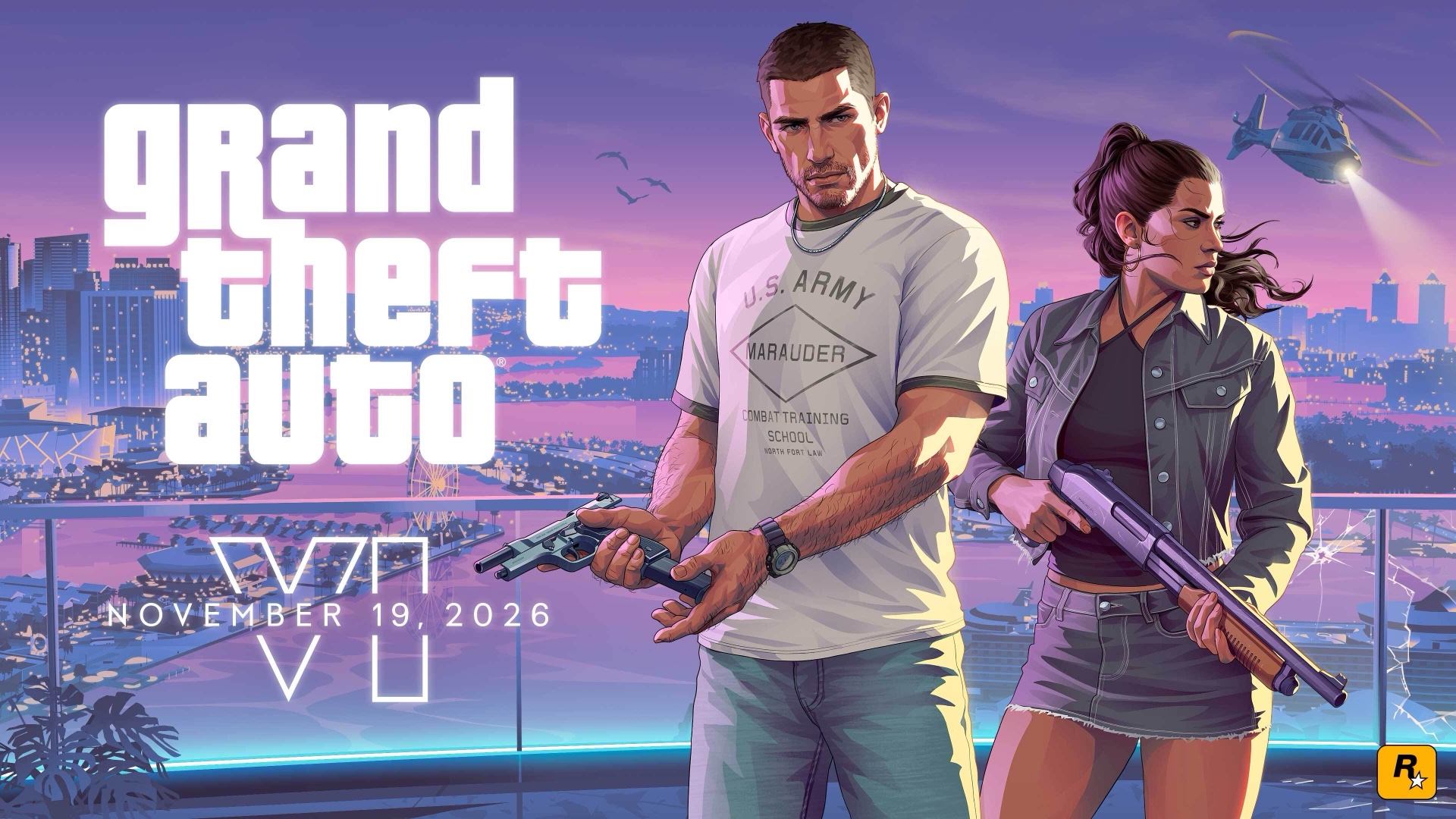
Some PlayStation 5 owners can't get far in Grand Theft Auto VI. The game closes to the PS5's home screen with error code CE-108255-1, for some players in the opening prologue and for others hours in. GamesRadar+ reported it on launch day, Nov. 19, and Polygon, GameSpot, Dexerto, Notebookcheck and Eurogamer have since rounded up players' reports. As of Saturday, Nov. 21, neither Rockstar Games nor Sony has commented, and there's no patch.
Here's what the error means, who's getting it, what each company has said and what players have tried.
What error CE-108255-1 means
Sony's page for the code is three lines long: "An error occurred with the game/application," it says, followed by "Try updating your game" and a pointer to PlayStation Repairs. The code isn't specific to GTA 6, Notebookcheck notes. It's the message a PS5 shows when a game crashes mid-session or fails to load, as GameSpot puts it, so it says little about the cause.
Who's getting it
- Every PS5 model. Owners of the original PS5 and the Slim, and some PS5 Pro owners, have reported repeated crashes with the code, Notebookcheck says.
- At different points. Players describe crashes at launch, on loading screens, in the opening cutscene and at set points in early story missions, according to Notebookcheck. "Some are seeing the error in the prologue, while others don't encounter it until hours in," Polygon writes. One player whose report Dexerto, Polygon and Eurogamer picked up said the game ran fine until Pipework, one of the first missions.
- How many. No outlet has a number. GamesRadar+ found more than a dozen posts on Reddit, Polygon calls the players reporting it numerous, and GameSpot says the problem doesn't appear to be very widespread. The GamesRadar+ writer played several hours without a crash.
Whether other games crash too is less clear. GamesRadar+ found no recent reports from other games, while some players told Polygon they had seen the error before elsewhere, and one quoted by Eurogamer said GTA 5 and For Honor still run without crashing.
What Rockstar and Sony have said
Neither company has addressed the crashes publicly, GameSpot, Notebookcheck and Eurogamer report, and Rockstar's Newswire has no post about them. Rockstar Support's error troubleshooting page for GTA VI, last updated Nov. 18, only links to Sony's and Microsoft's error-code pages, Notebookcheck says. Sony's own GTA VI support page, in turn, sends questions about gameplay issues, patches and bugs to Rockstar Support.
Players say they've been caught in between. One shared Rockstar's reply with Notebookcheck: "For technical support for your PlayStation 5 console, please contact PlayStation support." Others were sent to PlayStation's hardware support, Polygon reports. Yet PlayStation support has told at least one player that it's a software problem, Notebookcheck and Polygon report. Some have been quoted for repairs: $230 before tax in one case Notebookcheck reports, and £300 in one GamesRadar+ found.
What you can try
There's no confirmed fix yet. Eurogamer lists Sony's general advice for a game that keeps crashing:
- Update the PS5's system software, and check that GTA 6 is on its latest version.
- Make sure the game has fully installed.
- Restore your licenses, in the PS5's settings under Users and Accounts, then Other.
- Start the PS5 in Safe Mode and choose Clear Cache and Rebuild Database.
- Delete GTA 6 and install it again. If it's on an external drive, move it to the console's internal storage.
Some players have got around the crash by changing the PS5's video output resolution from Manual to 1080p in the system settings, Polygon reports. Eurogamer also suggests saving by hand often, so a crash costs you less.
None of these works for everyone. One player Dexerto quoted said clearing the cache, rebuilding the database, a factory reset and downloading the game three times did nothing. A factory reset wipes everything on the console, so leave it until last.
On Xbox
Some Xbox Series X players have reported crashes within minutes of play too, Dexerto reports, one saying the game sometimes crashes after only 15 minutes. No error code has been tied to those crashes, and there's no word on them from Microsoft.
Before launch, Sony required a PS5 system update to play the game (our story), and Rockstar released two updates before Nov. 19 (the second one). How the game runs on each console is in our PS5, PS5 Pro and Xbox comparison. We'll update this story when Rockstar or Sony responds or a patch arrives.
Questions readers ask
- What is error CE-108255-1 in GTA 6?
- It's the PS5's general message for a game that has crashed. Sony's page for the code says only "An error occurred with the game/application" and tells you to update the game. It isn't specific to GTA 6, Notebookcheck notes.
- How do you fix error CE-108255-1 in GTA 6?
- There's no confirmed fix yet. Eurogamer lists Sony's general crash steps: update the system software, make sure the game has fully installed, restore licenses, rebuild the database in Safe Mode, and reinstall the game on internal storage. Polygon says switching the PS5's resolution from Manual to 1080p has helped some players. None of these work for everyone.
- Has Rockstar fixed the GTA 6 PS5 crash?
- Not as of Nov. 21. Rockstar hasn't commented or released a patch, GameSpot, Notebookcheck and Eurogamer report, and Sony hasn't addressed it either.
- Does GTA 6 crash on Xbox too?
- Some Xbox Series X players have reported crashes within minutes of play, Dexerto reports, but no error code or statement from Microsoft has been tied to them.
What did you think?
Free newsletter
Get our GTA 6 newsletter
Short, sourced GTA 6 news, guides and tips, by email. Unsubscribe any time.